

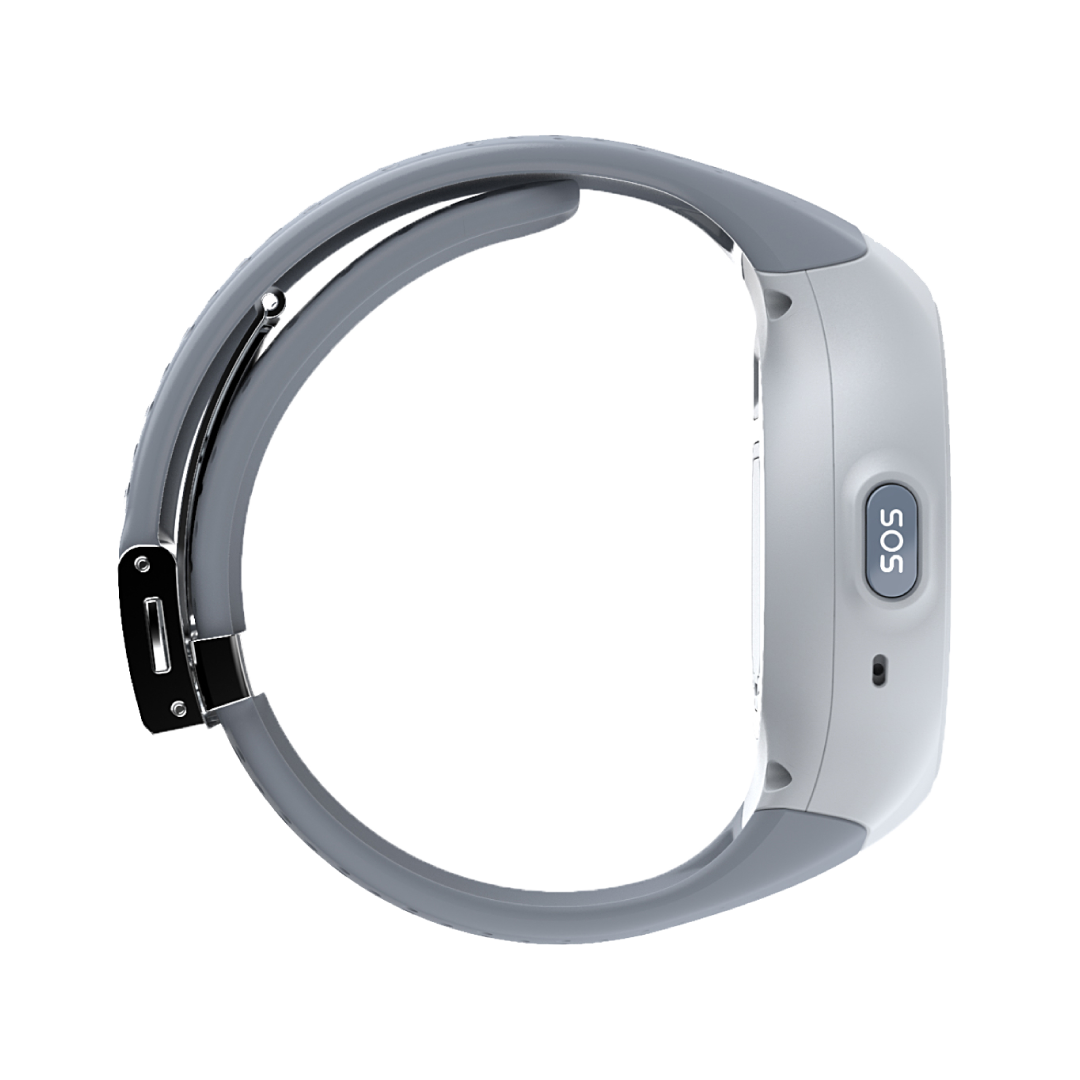
Life Smartwatch
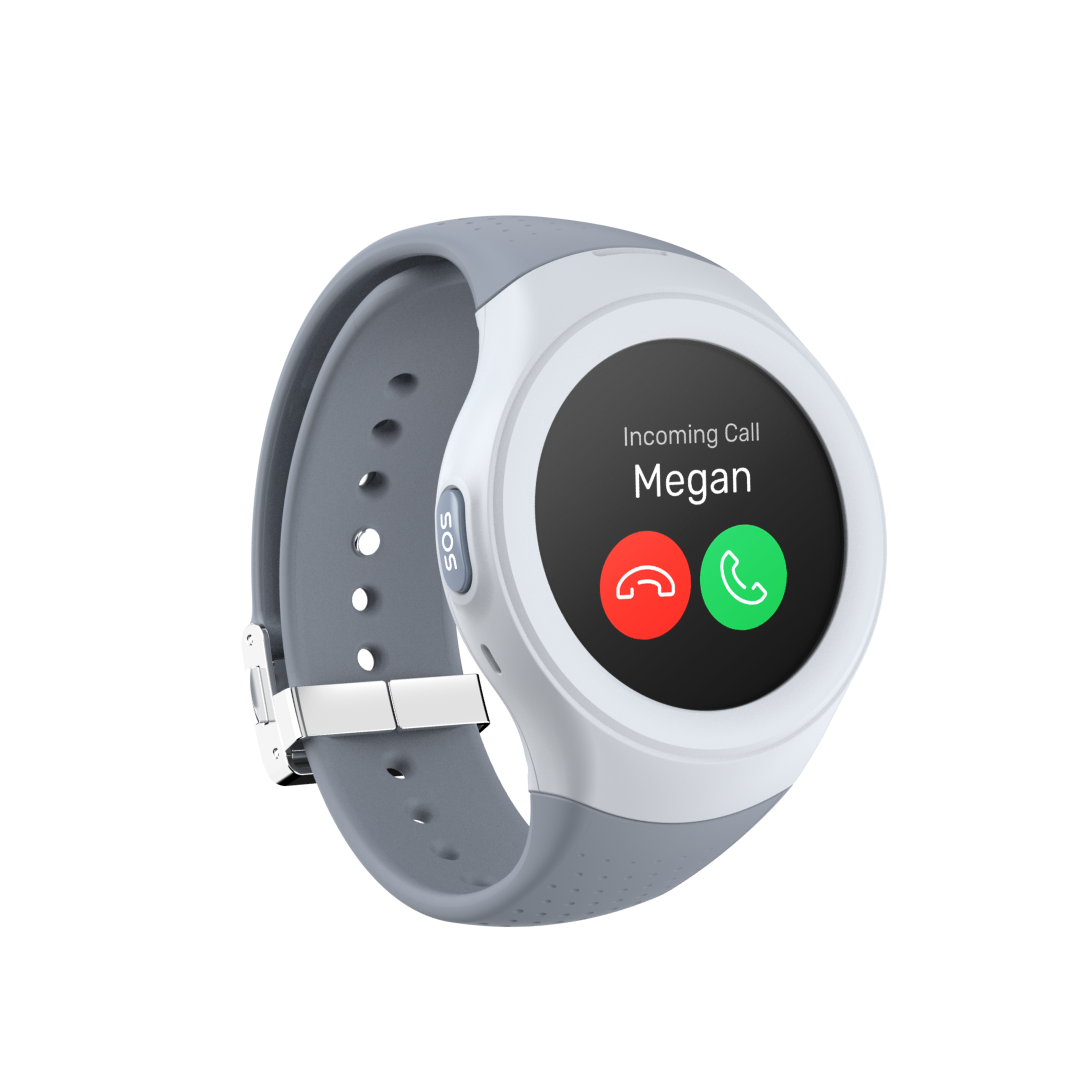
Our Life Smartwatch is perfect for all ages and is ideal for anyone needing emergency backup for serious safety and health concerns.
Smartwatch Features
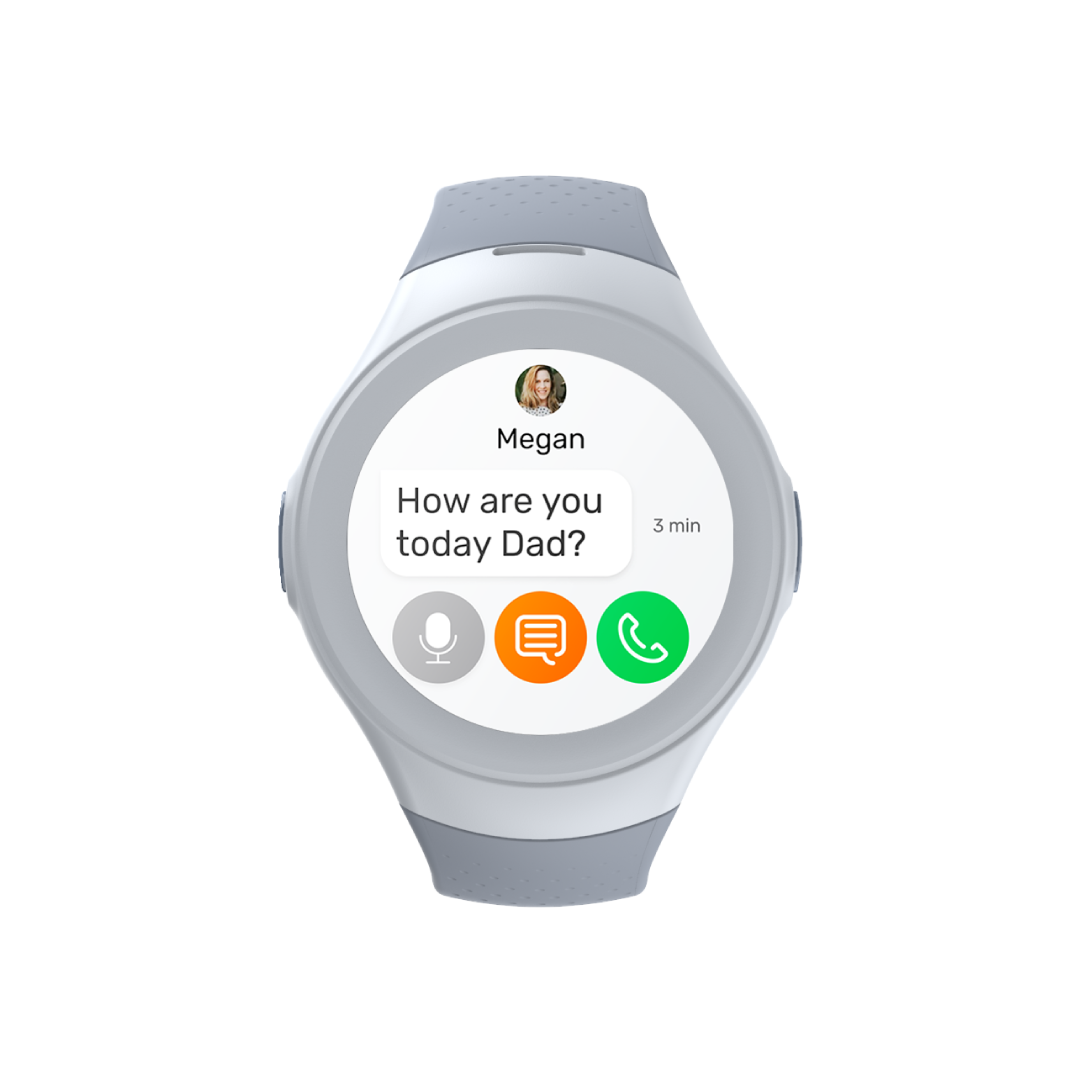
4G Video, Voice Calls & Text
GPS Location Tracking
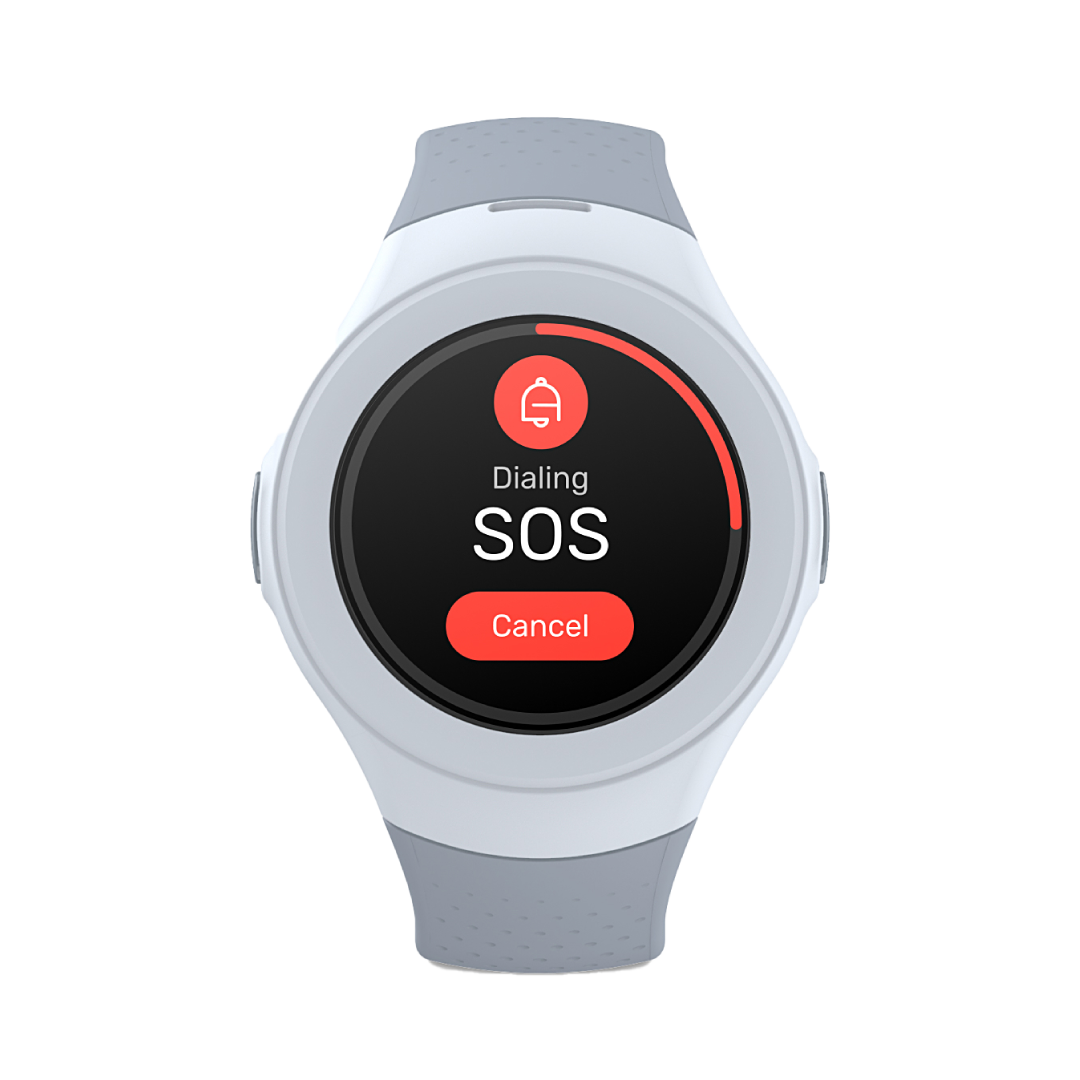
SOS Tracking & Alerts
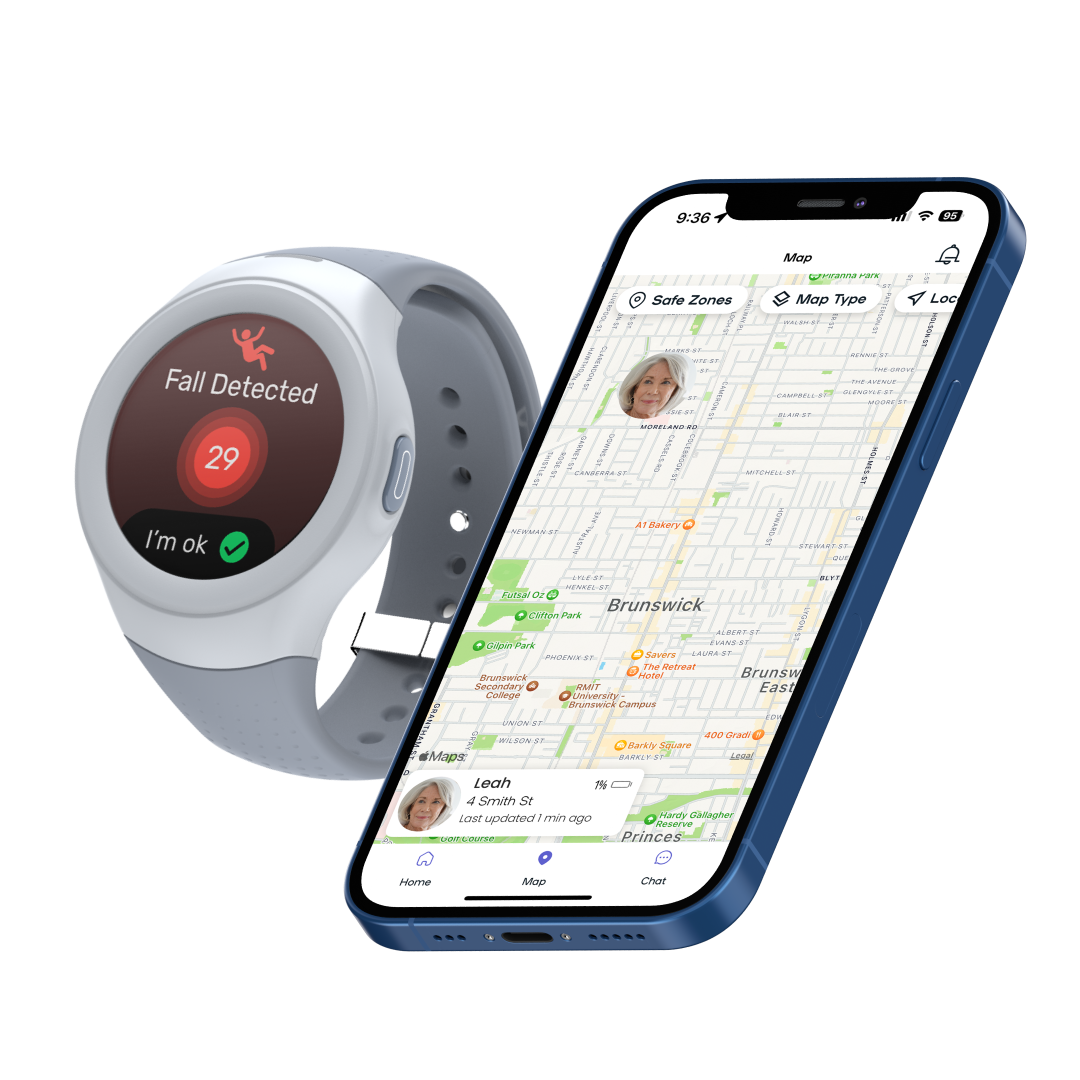
Fall Detection
Splashproof (IP67 Rated)
Before purchasing your Spacetalk smartwatch, here’s what to know about plans, setup and support.
-
Watch Plan Required
-
Try the Spacetalk App for Free
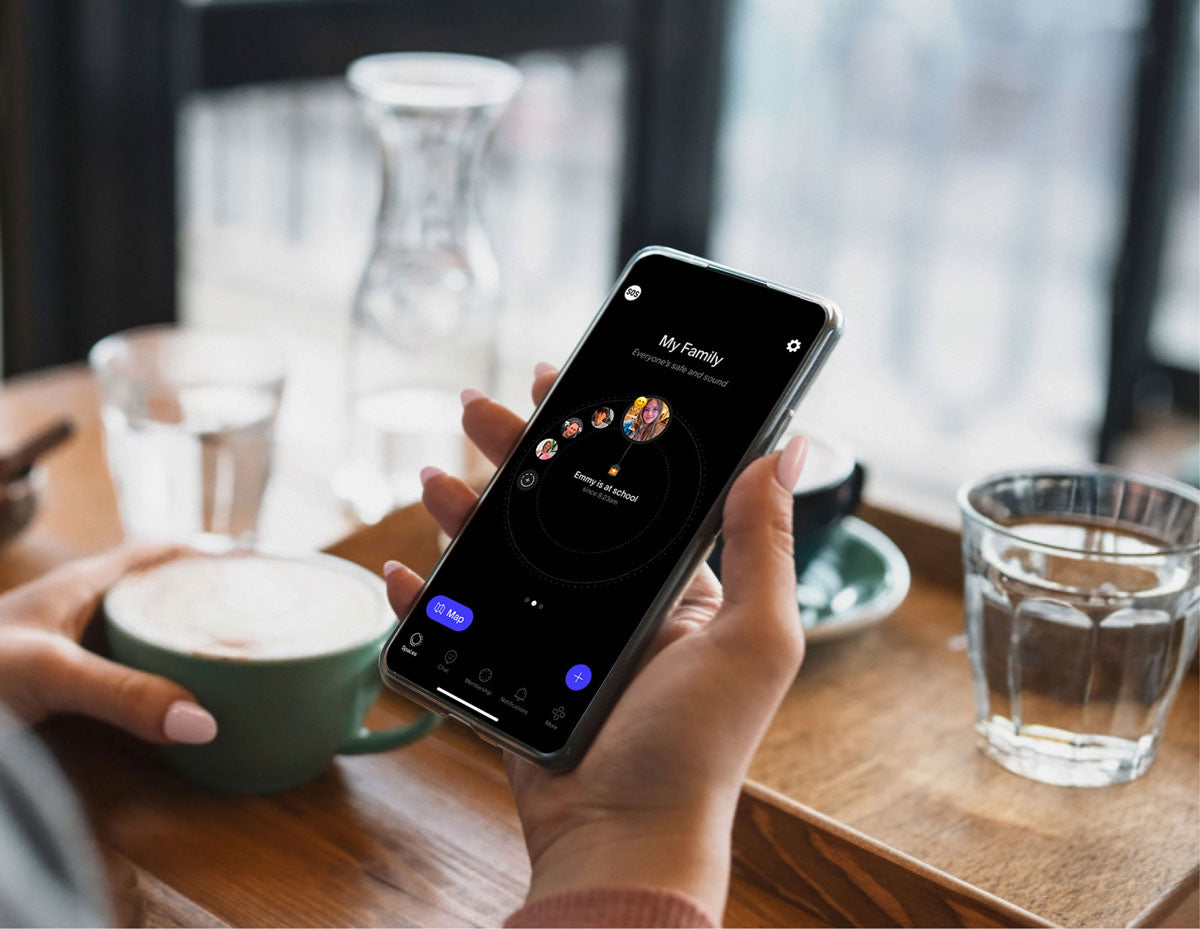
Our Smartwatches have been designed to work seamlessly with the Spacetalk App on iPhone and Android.
-
Customer Support
Need more customer support or have questions before purchasing? Visit our Spacetalk Help Centre page to get answers to all of your questions.
-
Quick Start Guide
Want to see how setup works?
Our Quick Start Guide walks you through pairing your watch and getting connected.
Free Shipping over $100
30 Day Returns
2 Year Warranty
The Spacetalk Life watch that makes sure you're always connected to your support network. Our Life Smartwatch is perfect for all ages with GPS locator, SOS alert, fall detection, 4G phone and 24/7 monitoring service through Safety Link, ideal for anyone needing emergency backup for serious safety and health concerns.
Top Features
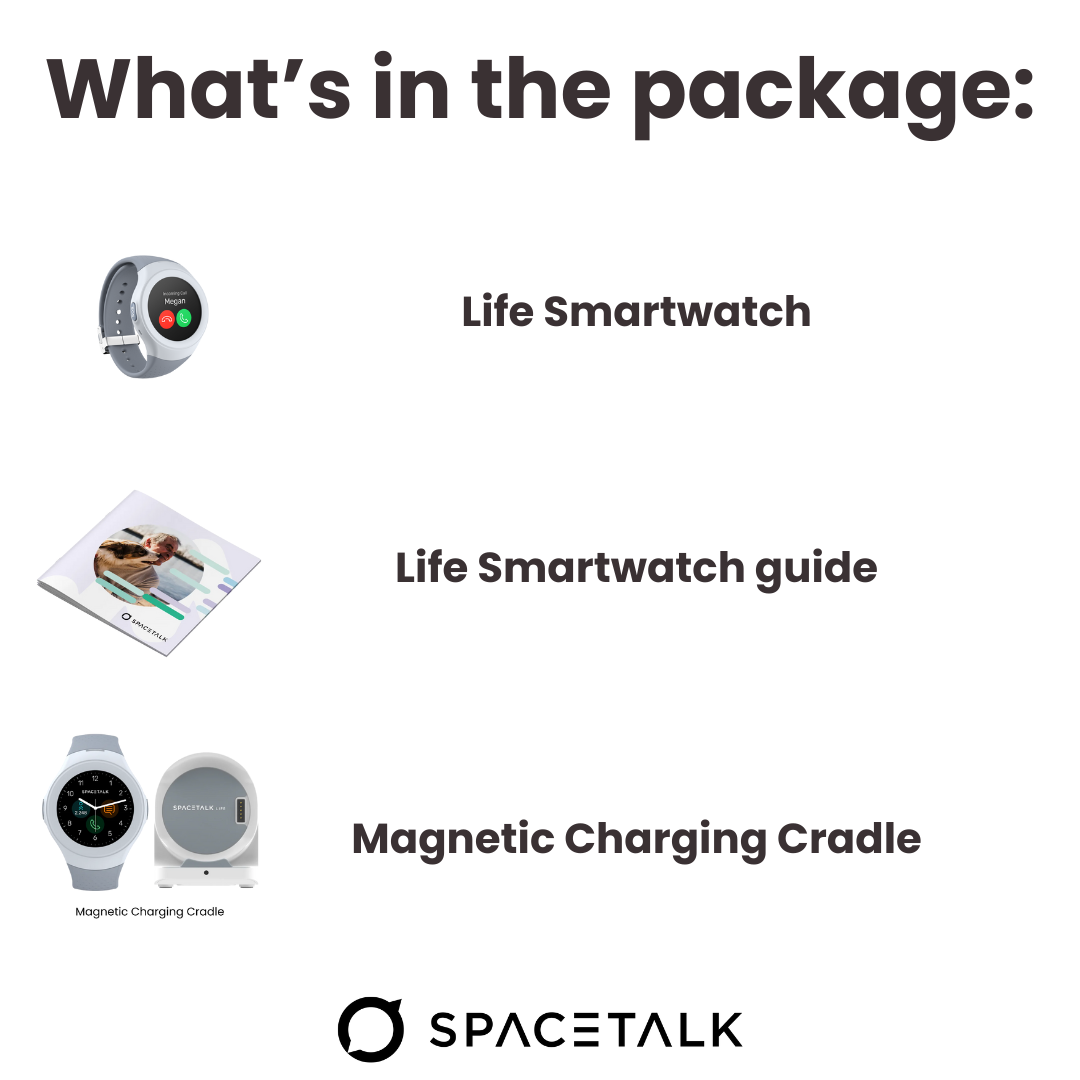
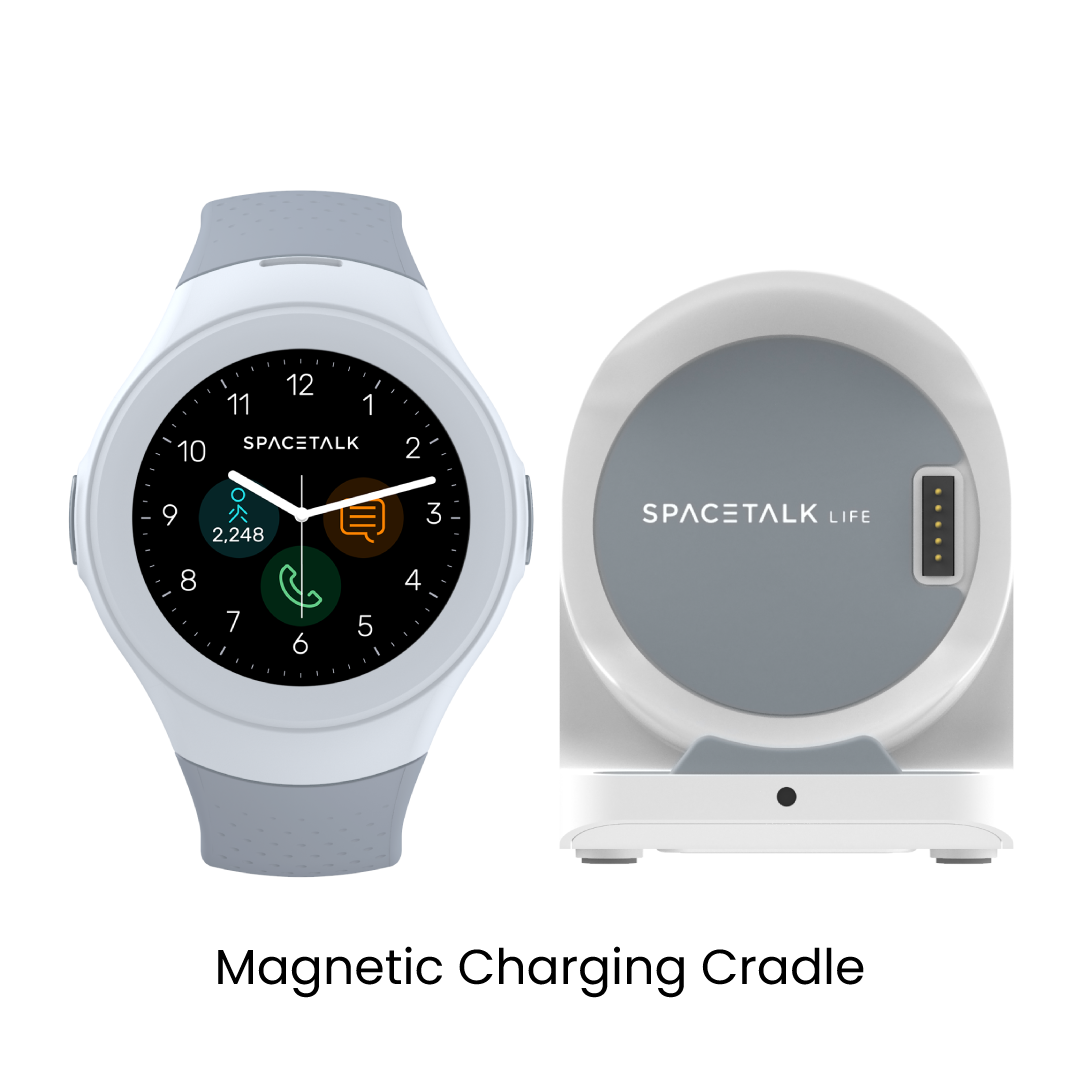
What's in the Box
Mobile Subscription Required
All Spacetalk watches require a SIM card and mobile plan for their connectivity and functionality. The SIM card and an active mobile plan enables watch connectivity features like calling, messaging, and location services.
For customers in AU: a SIM card will be provided to you with your watch purchase.
- CCarolReviewingSpacetalk Life Connect BundleI recommend this productRated 5 out of 5 starsMay 14, 2025Works well
Works well, love the fall feature, and emergency calls as my dad is not a big fan of having a mobile on him. Great stuff

Safety Features for Peace of Mind
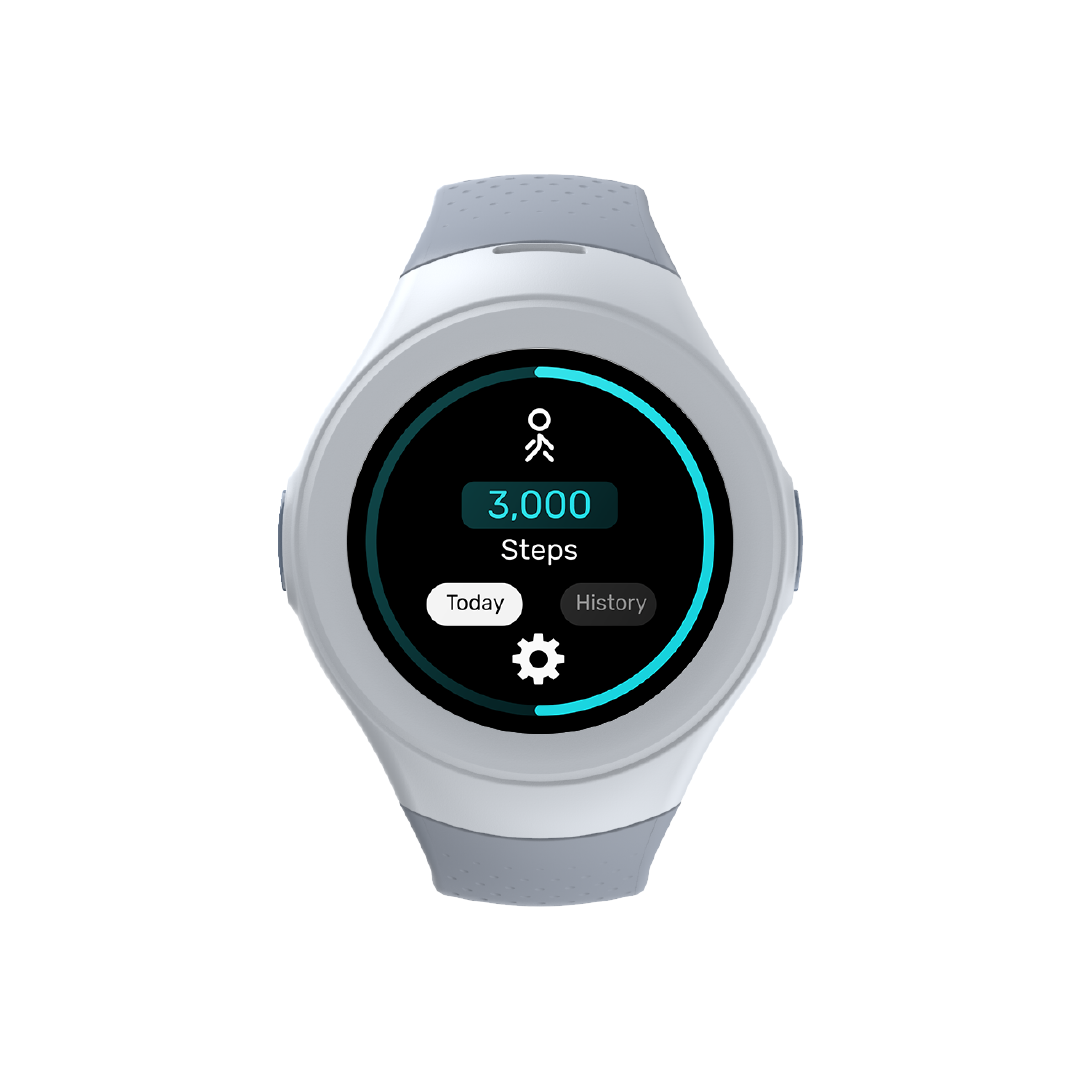
Life combines a suite of safety and wellness features created to support independence and connection. Together, they help ensure they feel secure throughout the day, while giving families comforting visibility and peace of mind.

Fall Detection

Location Tracking
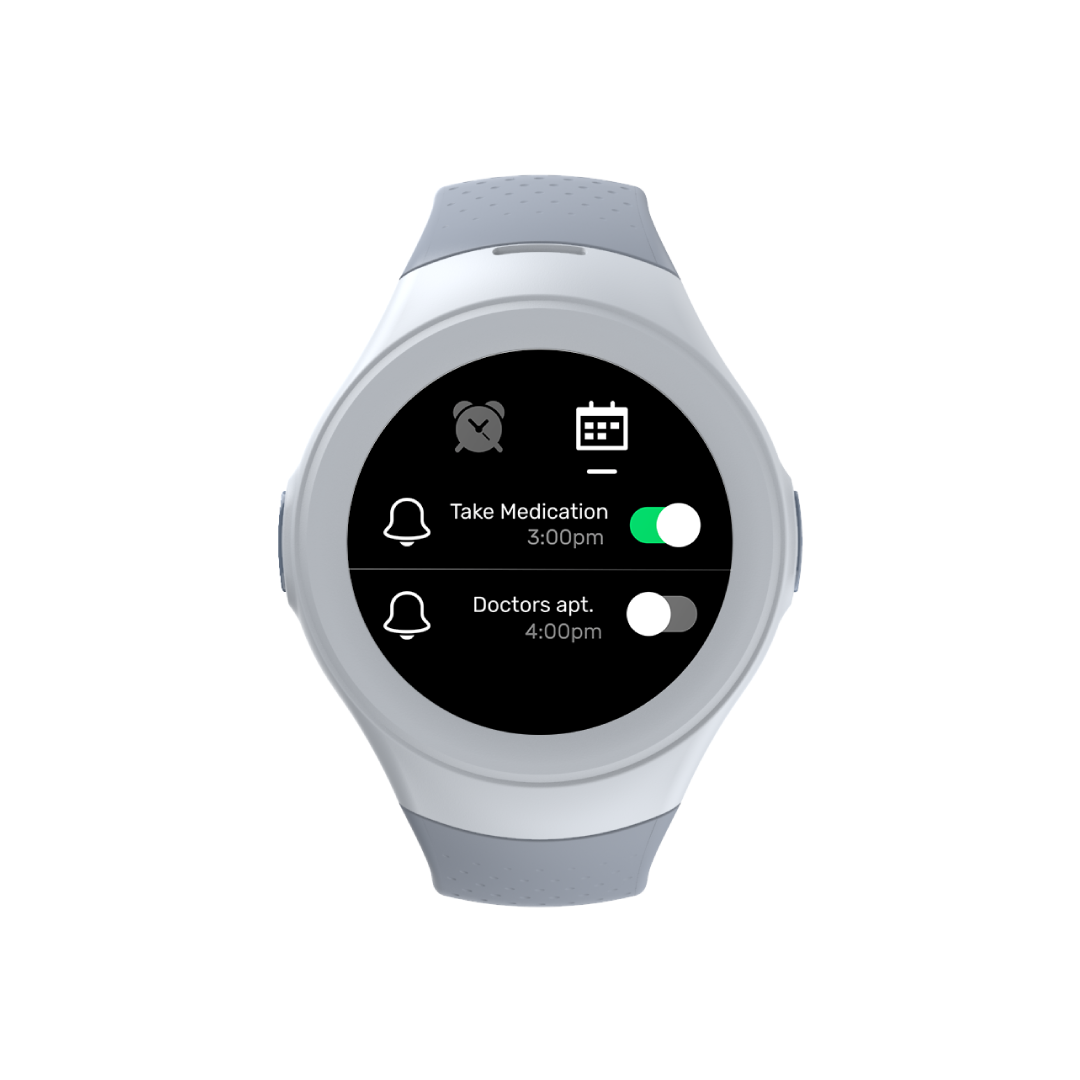
Reminders & Alarms
Safety Callback

Your Life Smartwatch, Ready in Minutes
Life is designed to be simple from the start. Power on the watch, pair it with the Spacetalk app and follow the on-screen prompts to complete setup. You’ll have it connected, customised and ready for use in just a few minutes.
When you're ready, click the button below to read our Quick Start Guide.
Discover the Life Smartwatch
Bring all the essentials of safety and connection into one smart, simple device.

Powering up your watch
ON: Hold the power button on the right-hand side until the ‘Spacetalk’ logo appears. The watch will also vibrate.
OFF: Hold the power button on the right-hand side until you see the ‘shutdown’ prompt. Tap ‘YES’ to shut the device down. Press ‘No’ to cancel.

Interacting with your watch
Wake: Press the power button or lift the watch if ‘Lift to wake’ is enabled.
Screens: Swipe left on the watch face to access the next page. Slide down from the top of the screen to access the drop-down menu.
Back: Press SOS button to return to the previous screen/menu.

Connect with loved ones
Calls: Tap on the phone icon. Type or search through trusted contacts saved on the Spacetalk App.
Text: Tap on the message icon. Type or search through trusted contacts saved on the Spacetalk App to send a voice message, text message or voice call.
Location: Tap on the location icon. Share your location to connected people on the Spacetalk App by tapping ‘Send Location’.

Configure your watch
Alarms: Tap on the calendar icon. Adjust time, day and alerts to save.
Wallpaper: Tap on the main screen. Tap and hold on the watch face icon. Swipe left and right to see options, and tap to select.


Designed for a simple setup
Everything you need to get started comes ready in the box, so setup is simple and your Life Smartwatch is ready to go from day one.
Built on Experience
Spacetalk brings together decades of experience in connected technology, with a focus on safety, reliability and long-term use, across devices, platforms and markets.
- Backed by over 20 years of experience in connected technology
- Safety-first design, built into both hardware and software
- Designed in Australia, with thoughtful, age-appropriate use in mind
- Made to work across global mobile networks
- Part of the Spacetalk ecosystem, with ongoing updates and support
Things to note
Who is Spacetalk Life designed for?
Spacetalk Life is built for everyday independence, whether that’s staying connected with family, supporting peace of mind, or keeping in touch while on the move. It’s designed to be simple, reliable and easy to use at any stage of life.
Do Spacetalk Watches come with a wearable SIM plan?
All Spacetalk Watches require an active and compatible wearable SIM to work.
Spacetalk Watches are soft locked to Spacetalk Wearable SIMs in Australia, the UK and USA. Spacetalk Wearable SIMs can be purchased via the website in Australia or we’ll direct you to our Telco partners in the UK and USA.
In all other countries, Spacetalk Watches are compatible with any SIM plan.
Are Spacetalk Watches waterproof?
The Spacetalk Adventurer 2 has a dust and water-resistant rating of IP67, making it splash proof and protected up to a depth of 1 metre for a duration of up to 30 minutes.*
*Splash, water and dust resistance are not permanent conditions and resistance might decrease as a result of normal wear. We do not recommend actively swimming or bathing while wearing a Spacetalk Watch.
Can Spacetalk Watches be used at school?
Yes. Spacetalk Watches can be used at school with School Mode enabled.
Through the Spacetalk App, parents can set School Mode to automatically limit features during school hours, helping reduce distractions in class.
While in School Mode, calls, messages and notifications are restricted, but essential safety features like location tracking and SOS remain active.
Do I need the Spacetalk App to use Spacetalk Life?
Yes. Spacetalk Life is designed to work with the Spacetalk App, which lets you manage connections, view key activity and safety features, and stay connected, all in one simple place.