

Ensure your Spacetalk Watch stays connected to the App before 11 May 2026
Your access to Spacetalk Watch App features is ending on 11 May, 2026. To continue enjoying all the Spacetalk Watch App features that keep your family connected, you’ll need to take one of two options.

Your Spacetalk Watch is designed to keep your family connected, safe, and independent. Without an active Spacetalk Watch App Subscription, access to key features will be restricted:


Switch to a Spacetalk Watch SIM Plan or
get a Watch App Subscription to stay connected to the app.
Select one of these two options to ensure your Spacetalk Watch stays connected to your app.
Stay connected to the app with a Spacetalk Watch SIM Plan
Switch to a Spacetalk Watch SIM Plan and enjoy all Spacetalk Watch App features. (Australia Only)

If you’re with another SIM provider you will need a Spacetalk SIM or buy a Watch App Subscription (instructions below).
Note: You will first need to buy a Spacetalk SIM card if you don’t have one*, you’re switching from a different network provider, or if you’ve previously cancelled your watch plan.

Once your Spacetalk SIM card arrives, install the SIM card into your watch, open the Spacetalk App and tap ‘Membership’. Select ‘Add a plan‘.

Select Watch and choose between a 1 Month or a 6 Month and follow the prompts.

Activate your Spacetalk SIM card to stay connected.
Stay connected to the app with a Watch App Subscription
Subscribe directly in the Spacetalk App.
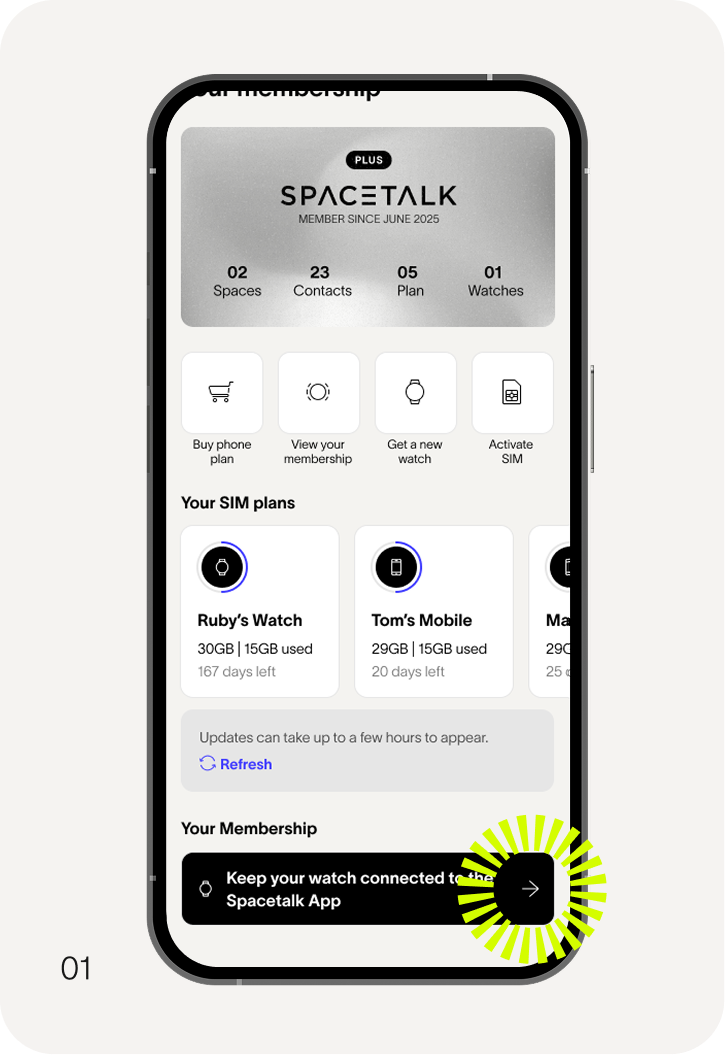
Ensure your Spacetalk App is updated to the latest version. Tap ‘Membership’ in your app and select the banner under ‘Your Membership’.
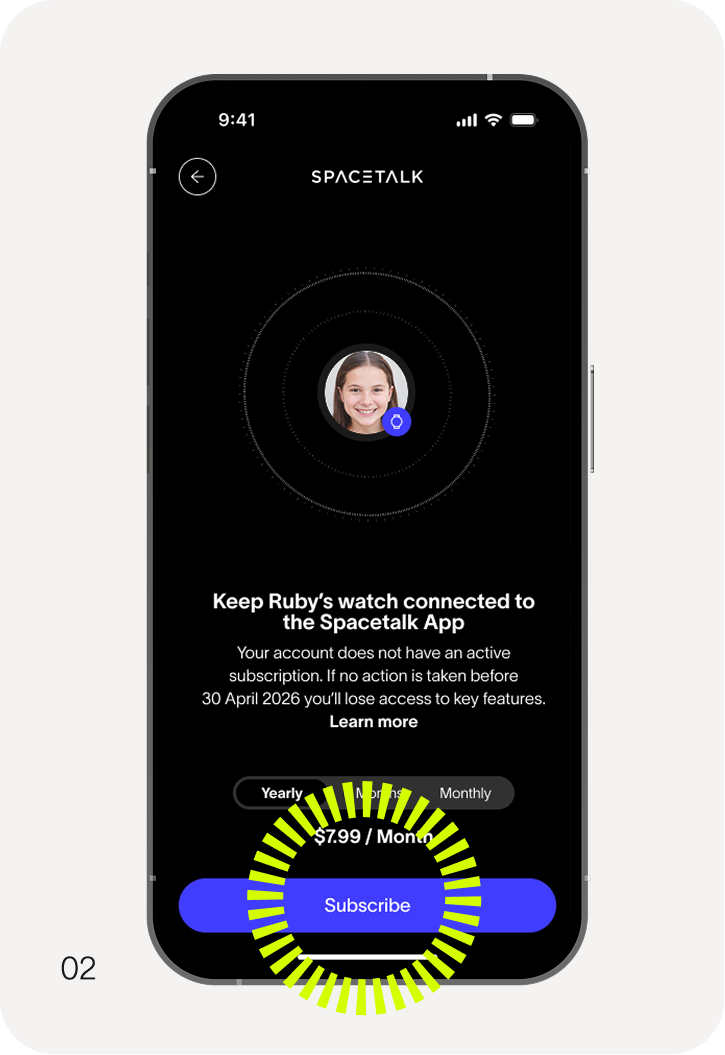
Follow the prompts to purchase a Watch App Subscription.
*Pricing varies by region: USD $5.99, GBP £3.99, EUR €5.99, AUD $7.99, NZD $8.99. Additional country and region pricing is supported in the app stores.
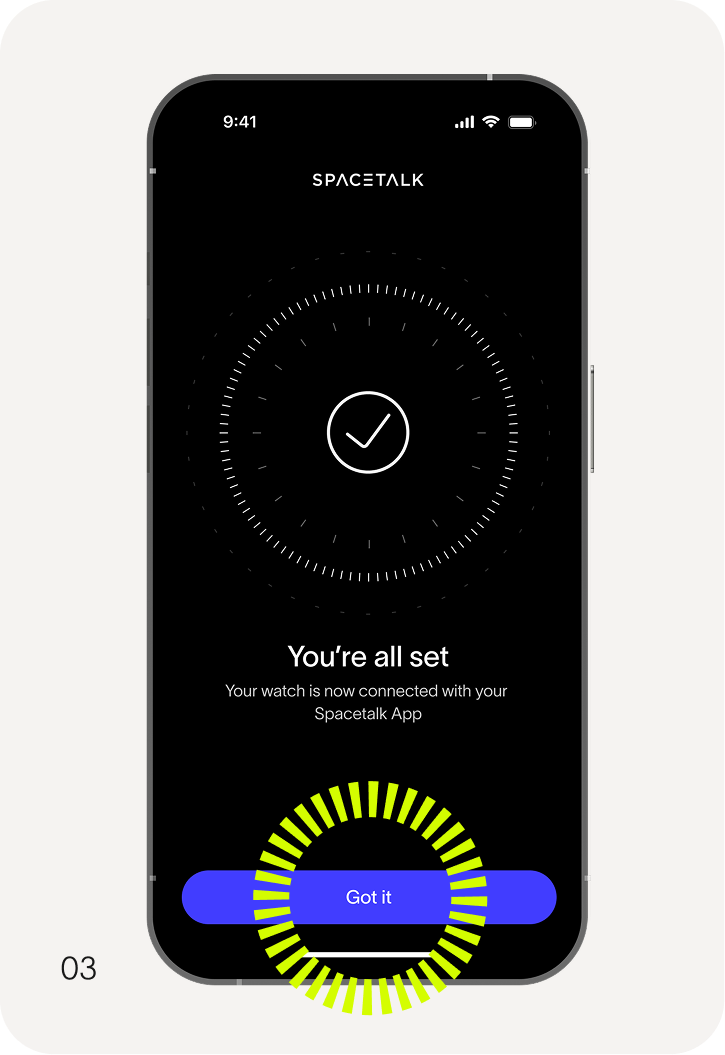
You’re all set.
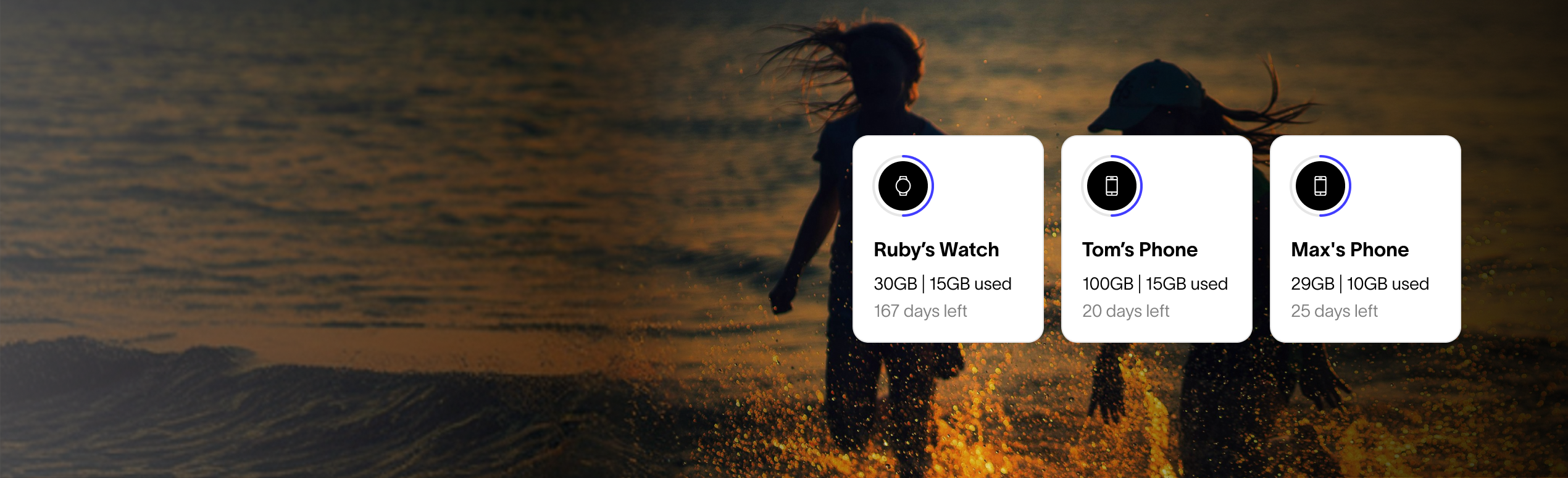
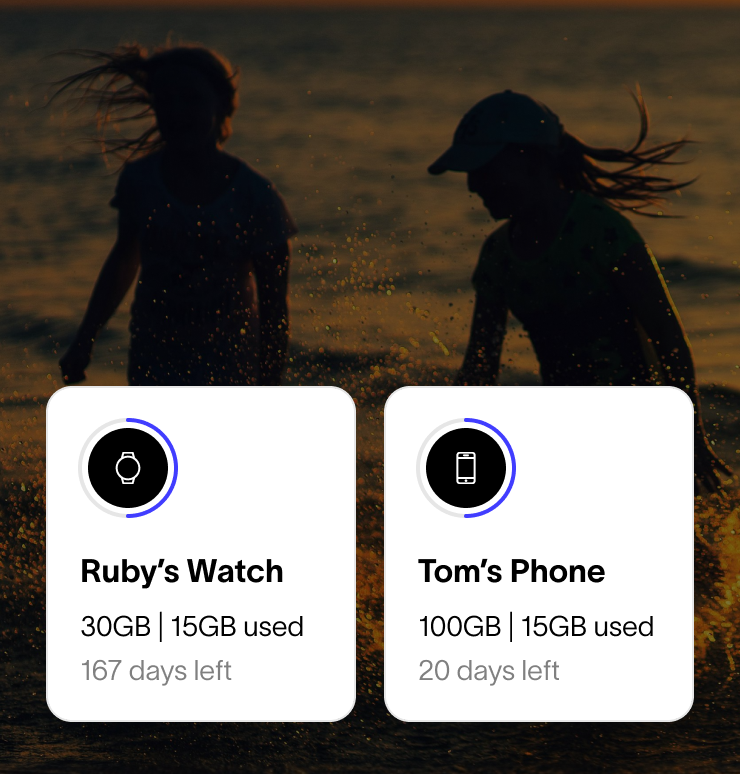
Don’t see your family member’s plan listed in your account?
If you or a family member already has an active Membership, it may be that the plan isn't linked to your Spacetalk account. If this is the case, please contact us and we'll help you resolve any issues and ensure uninterrupted access.

Get help from our support team
If you have any questions, our support team is ready to help:
Email us: support@spacetalk.co
In-app chat:
Open the Spacetalk App → tap your Profile → scroll down to Contact Support.
Visit our Support Page for FAQs and guides.
Watch Restriction: Why is my watch going to be restricted?