

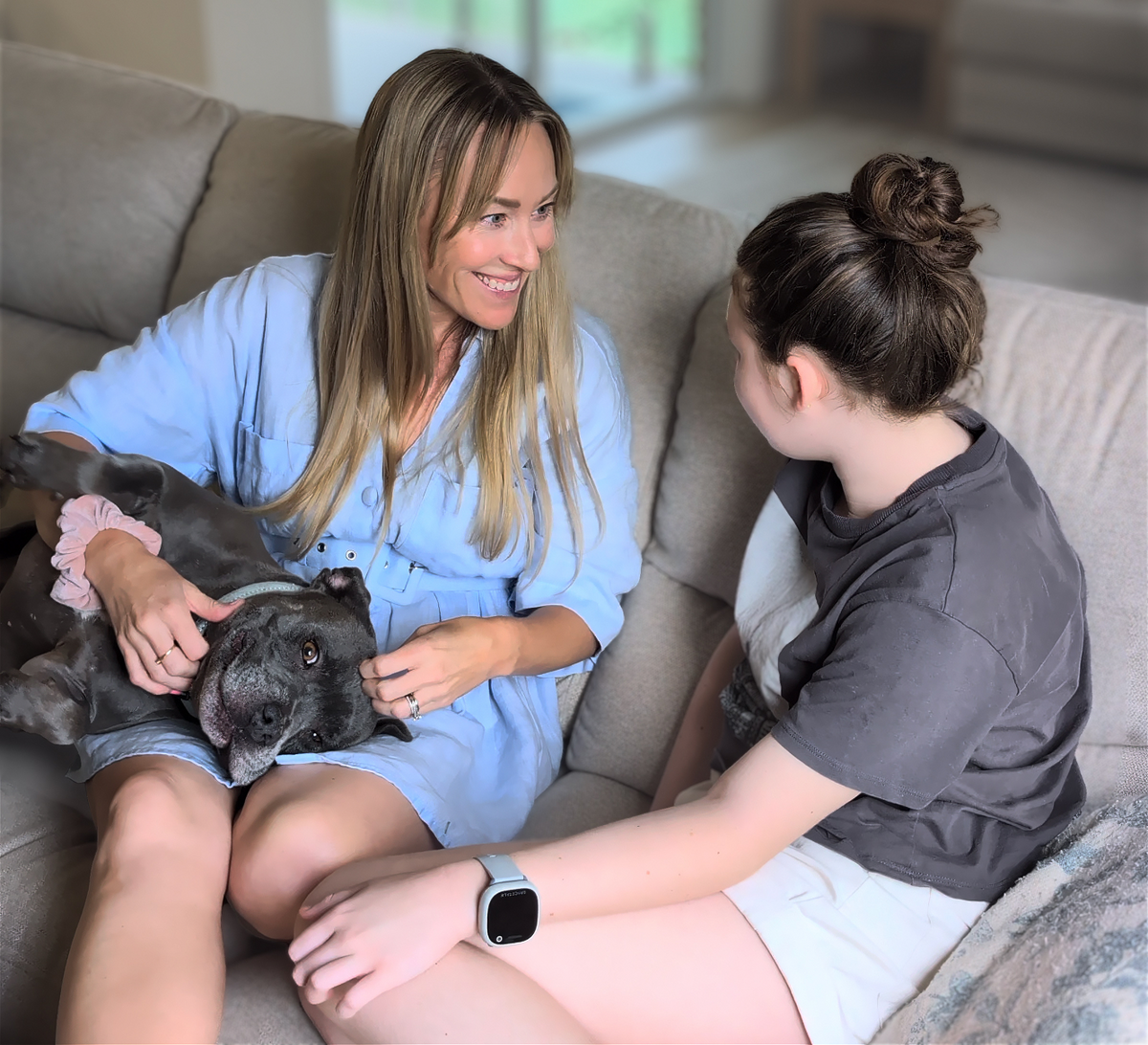
Something has shifted in the way Australian families think about their kids' first device. Where smartphones were once the default, more parents are pausing and asking a different question: does my kid actually need a phone, or do they need something simpler and safer? The answer, for a growing number of families, is a kids' smartwatch, a purpose-built wearable that keeps kids connected without exposing them to the open internet, social media, or contact from strangers. And the reasons behind this shift say a lot about what parents actually need right now.
The appeal of a kids smart watch is fairly simple: it can provide the connection parents need without necessarily giving kids all the access that comes with a smartphone.
A purpose-built kids watch can combine features such as:
That makes the category particularly relevant when a kid needs to be contactable but isn't necessarily ready for unrestricted online access.
The decision doesn't have to be framed as watch versus phone forever. For many families, it is simply about choosing a level of technology that matches where their kid is right now.

A kids smart watch is a wearable designed around the communication, safety, and everyday needs of younger users. Unlike a traditional watch, a connected model can communicate with a parent or approved contact. Depending on the model, it may also provide location awareness, SOS alerts, School Mode, activity tracking and other family-focused features.
For example, a watch with parent-managed contacts can limit communication to people the family knows. School Mode can silence non-essential calls, messages and notifications during class while keeping important safety functionality available.
Some models also include features designed for older or more independent kids, such as video calling, full text and emoji messaging, Wi-Fi and wellbeing features.
The important point is that not every kids' watch offers the same experience. Parents should look at what their family actually needs rather than choosing a device based on the longest feature list.

Safety features vary between models, so it helps to understand what each one actually does.
Together, these features can create a simpler form of connection: parents remain available, while kids have a device designed around the level of independence they are beginning to manage.

Spacetalk's Adventurer 2 and Loop models both include every feature listed above. The Adventurer 2 adds HD video calling, a 5MP camera, and text and emoji messaging, making it the more advanced option for kids aged six to fourteen. The Loop covers all the essentials GPS, calling, SOS, and School Mode in a lighter, simpler design suited to younger kids as a first wearable.
The first few weeks are usually less about technology and more about establishing habits. A kid may need time to remember to charge the watch, understand when to use it, and become comfortable with calling trusted contacts. Parents may also need to decide which notifications are genuinely useful.
Start with the features that solve an immediate need rather than activating everything at once.
For example, a family might begin with:
As the kid becomes more comfortable, the family can decide whether additional features are useful.
Getting started is designed around keeping the first experience simple. The watches use a companion app where parents can manage contacts, location features, safety settings and other family functions.
Spacetalk watches come with a SIM card included and are ready to activate through the Spacetalk App. Setup takes four steps charge, download the app, activate the SIM, and pair via QR code and most families are up and running in under fifteen minutes.
The Adventurer 2 starts from $349 (bundles from $366.99). The Loop smart watch starts from $249 (bundles from $266.99). Orders over $200 ship free within Australia. Spacetalk watches connect using Telstra's 4G network, providing the mobile connectivity needed for calling, messaging and location-aware family safety features through the Spacetalk App.
For parents considering a Spacetalk Watch, the included SIM and dedicated watch plan are part of how the connected features work. This means it is worth considering both the upfront watch price and the ongoing connectivity cost when comparing options.
Kids watches aren't a trend. They're a practical response to what families need right now: connection without complication, safety without surveillance, and independence that grows with your kid.
The right starting point is therefore not necessarily the watch with the most features. It is the one that matches how much independence your kid has today and where they're likely to be heading next.
Explore Spacetalk
Smartwatch · Kids
Spacetalk Adventurer 2
4G video calling, GPS, SOS, School Mode and parent-managed safety from $349.
Shop nowSmartwatch · Kids
Spacetalk Loop
GPS, calling, SOS and School Mode in a lighter, simpler first wearable from $249.
Shop nowPlans · Family
Spacetalk Watch Plans
Dedicated wearable plans for calling, messaging and location awareness.
Shop nowMany parents want their kids to be contactable without introducing social media, open internet access and the broader distractions of a smartphone. A kids smart watch can provide calling, messaging and family safety features in a more controlled format.
The ongoing cost depends on the watch and its required mobile plan. Connected watches generally need a dedicated wearable watch plan for features such as calling, messaging and location awareness, so parents should consider both the device price and ongoing connectivity costs.
There is no single device that is safest for every family. Parents should look for age-appropriate communication, parent-managed contacts, SOS functionality, location awareness, and controls that limit unnecessary online access.
Love keeping up with Spacetalk?
Add us as your preferred source on Google and never miss a new post, product update or parenting tip.
Share:
What Australia's Under-16 Social Media Ban Means for Your Family
Why Parents Choose the Spacetalk App as Their iPhone Parental Control Solution