

The Family Safety Hub
What to Do With the Old Device Once a New One Arrives
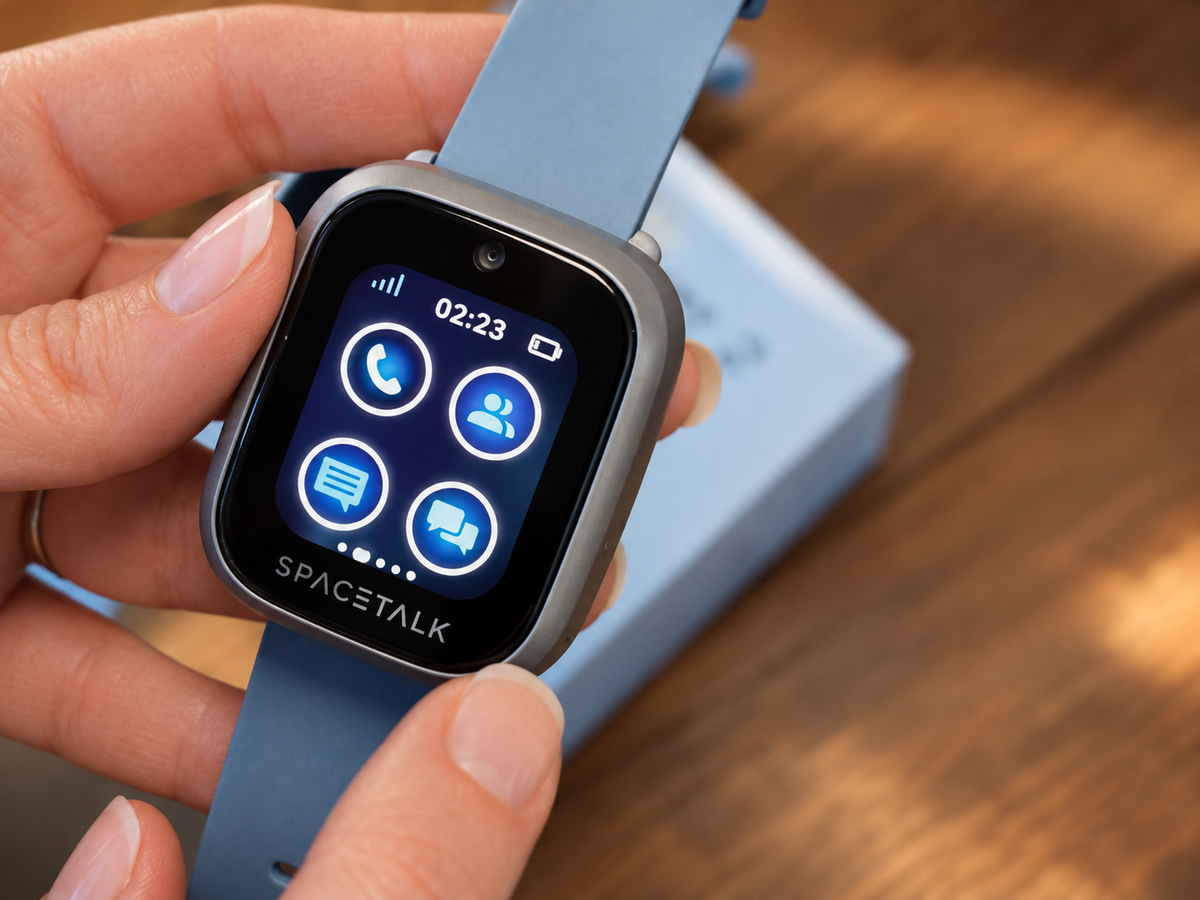
A retired Spacetalk Watch rarely needs to end up in a drawer forever. This guide covers how to reset one properly and hand it down to a younger sibling, what to check if nobody else needs it, and what happens to the old device's Watch Plan once a new one takes over.

Buying Ahead in the Boxing Day Sales for the School Year
The six weeks between Boxing Day and Term 1 disappear faster than they seem to. This guide covers why buying now beats waiting until late January, what's worth purchasing in the sales, and what to set up, School Mode and Places for the school run, before the first day of term.
Didn't Get the Gift You Hoped For? Buying It Yourself in the Boxing Day Sales
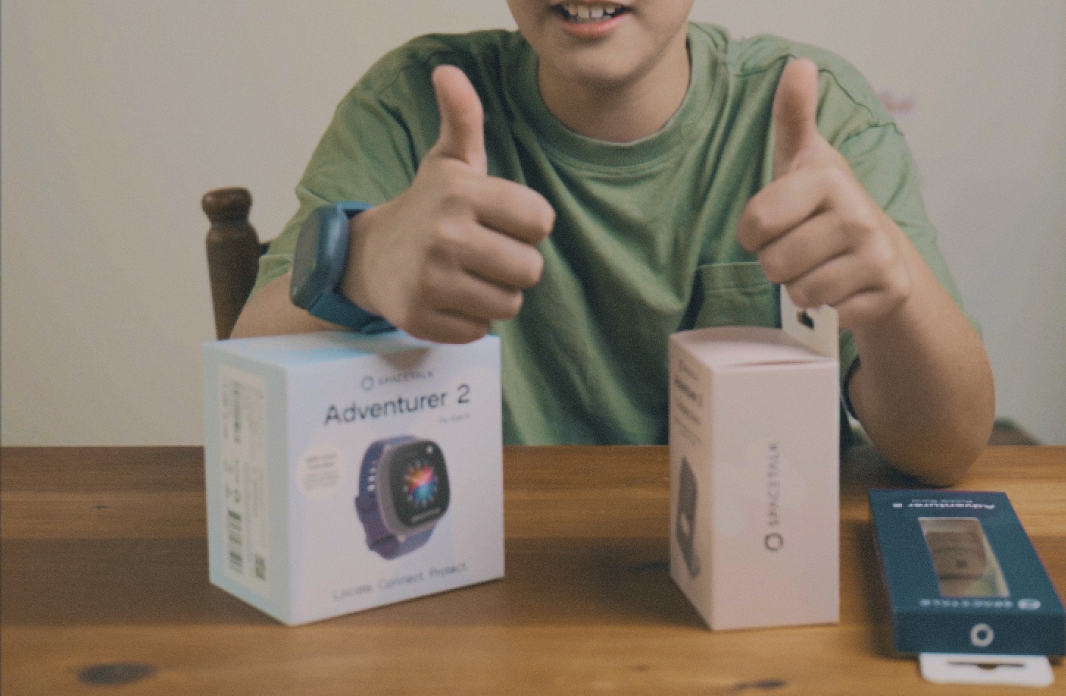
If a smartwatch wasn't under the tree this year, the Boxing Day sales are a genuinely good second chance, and arguably a better one, now that you know exactly what you need. This guide covers what to look for, what a watch needs to actually work, and how to get it set up before the school holidays end.
Moving From a Spacetalk Watch to a Spacetalk Mobile Plan: When Is It Time?
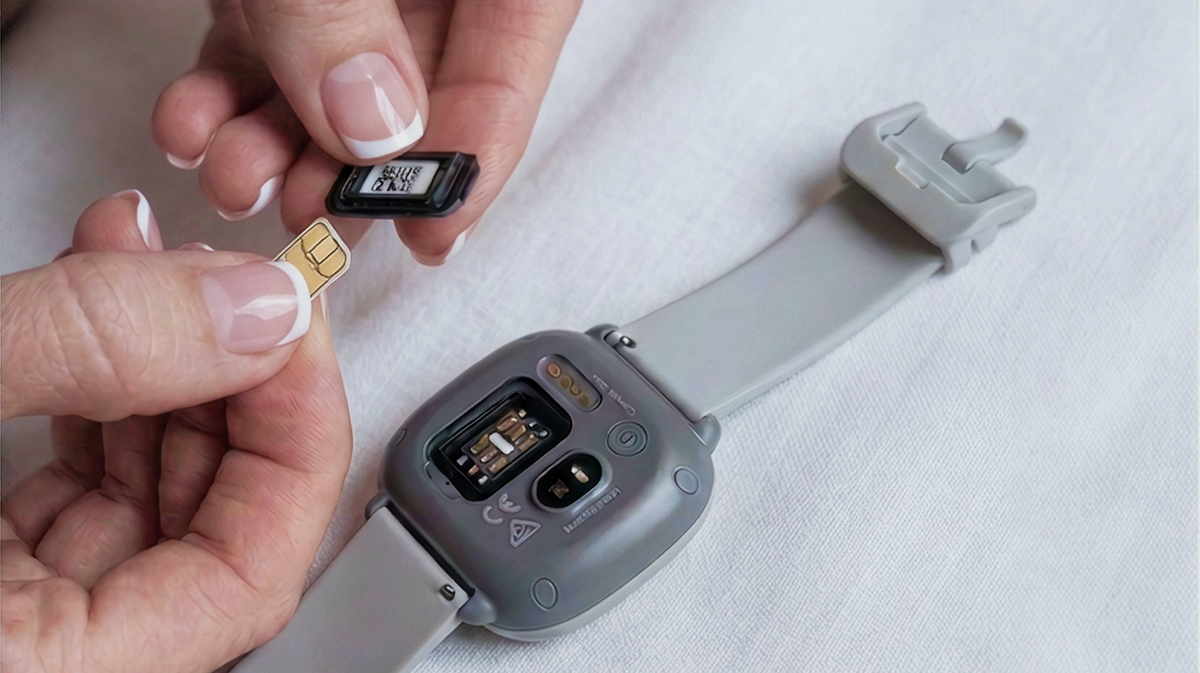
There's no fixed age when a kid moves from a Spacetalk Watch to a Spacetalk Mobile Plan, just a few signs worth watching for. This guide covers what those signs look like, how the same physical SIM can move across to a Mobile Plan, and what stays exactly the same for your family through the transition.
Using Christmas Gift Cards for a Back-to-School Spacetalk Upgrade
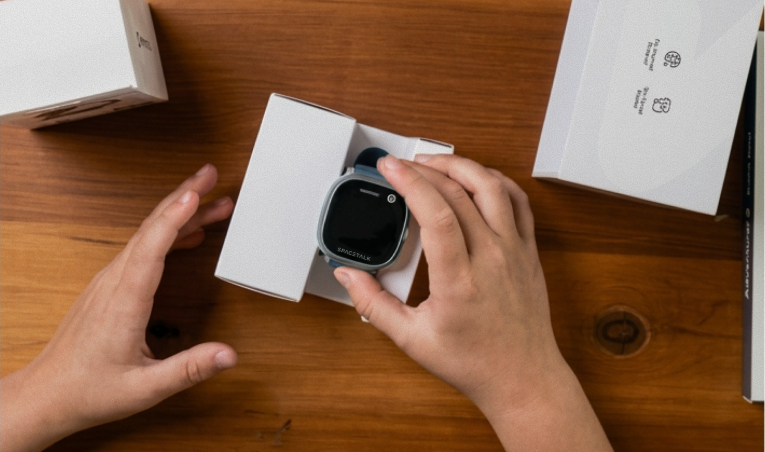
Gift cards from Christmas are a genuinely useful way to fund a back-to-school smartwatch upgrade. This guide covers what to check before spending them, how to decide between a new watch, a mobile plan or both, and how several smaller gift cards can be put toward one bigger purchase.
Christmas Morning, Ready to Go: Setting Up a Gifted Watch the Night Before
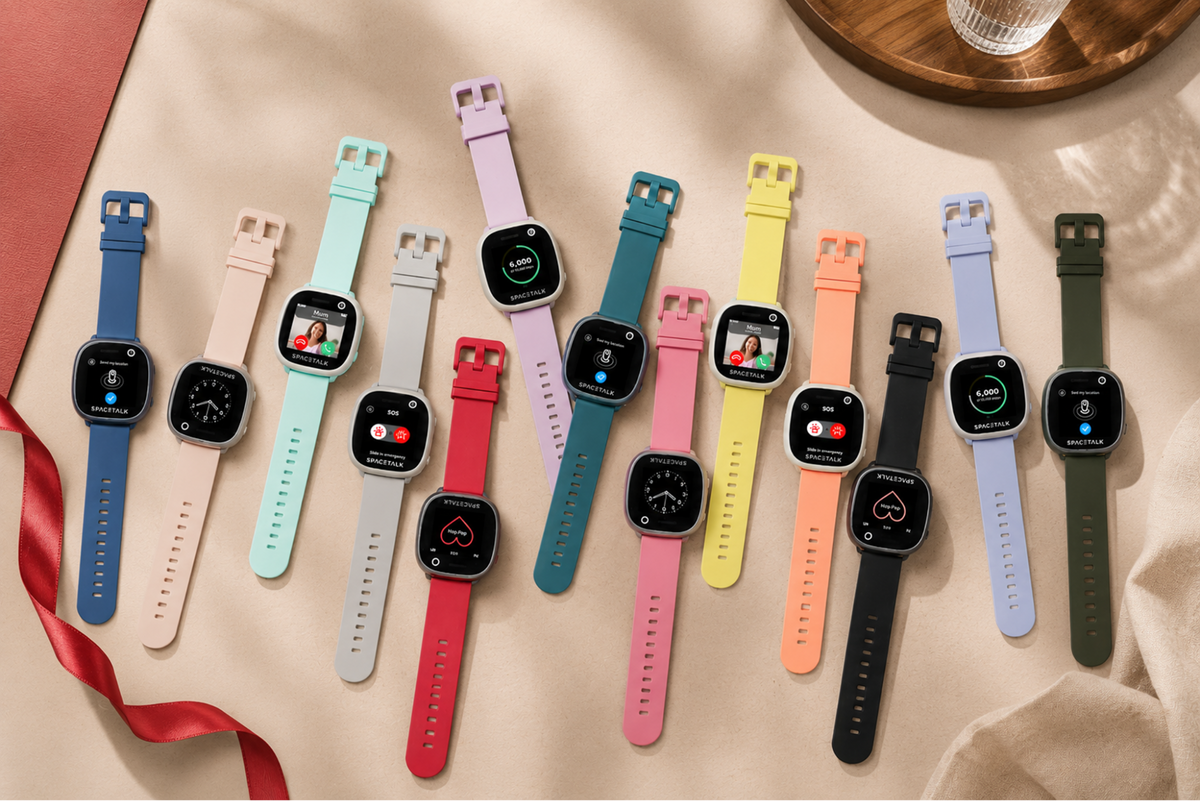
A quick prep session on Christmas Eve means a gifted Spacetalk Watch can go from unwrapped to working in minutes. This guide covers what to sort the night before, charging, downloading the app and having your details ready, and what to save for the morning itself, like letting your kid pick their own watch face.

How Spacetalk Keeps Your Watch Connected When It Matters
Reliable connectivity helps your family stay in touch when it matters. Discover how the Spacetalk Adventurer 2 uses a single nano SIM and its own 4G connection, with WiFi as a backup in areas with weaker mobile coverage. Learn how connectivity supports SOS alerts, location updates and video calls, how to troubleshoot common network issues, and how to check coverage before choosing a Spacetalk Watch Plan.

Setting Up Location Sharing the Right Way
Location sharing works best when everyone understands what is shared, who can see it and when updates will be checked. This guide explains how to configure Spaces, Places, Routes and arrival alerts in the Spacetalk App, adjust iPhone and Android location permissions, and troubleshoot common location updates. It also covers how to talk to your kid about location sharing, build trust and support greater independence.
How a Spacetalk Watch Helps Without Giving Your Kid a Phone
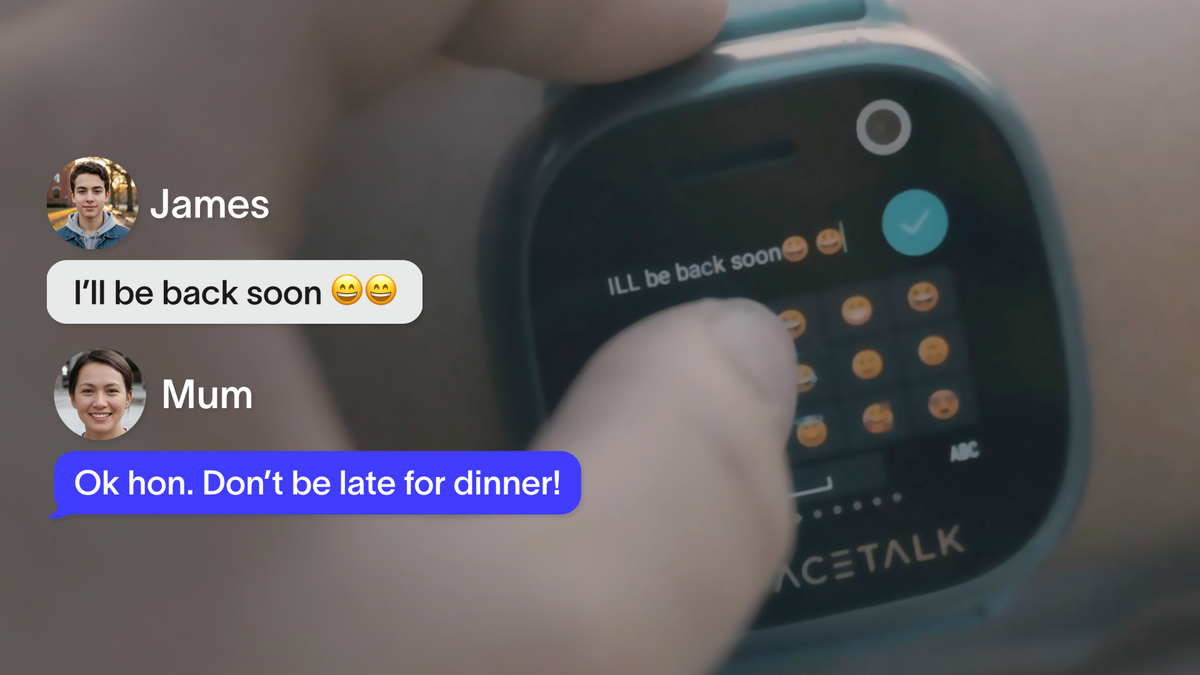
Want to keep track of your kid without handing over a smartphone? Discover how a Spacetalk Watch provides GPS location updates, calls, messaging and SOS support without social media, open internet access or an app store. Learn how to set up Places, Routes, arrival alerts and Trusted Contacts through the Spacetalk App, plus how to adjust GPS update frequency and choose between the Loop and Adventurer 2.