

The Back-to-School Tech Checklist: What to Buy Before Term 1
- kirjoittaja Craig Boshier
Key Takeaways
- Start with the device itself, Loop for a younger kid, Adventurer 2 for a tween who'll use video calling, or a Mobile Plan for a teen with a phone.
- A Watch Plan is what back to school tech actually needs to function, not an optional add-on.
- A spare charging stand means a flat battery on a school morning isn't a full household scramble.
- Add the school as a Place so arrival alerts are working from the very first morning.
- Extra accessories, additional Places beyond school and home, and fine-tuning notification settings can all wait until you've actually seen how the first week or two goes.
Back to school checklist making is easier with a short, practical list rather than a vague sense that "there's probably something to sort."
Most of it isn't complicated. It just needs to actually be written down somewhere, instead of living as a half-formed thought squeezed between doing the washing and packing lunches.
The List That Lives in Your Head Every January
Most parents carry a rough version of this list around in their head every January. Here it is written down properly.
Ask five different parents what's on their list and you'll get five slightly different answers, but the shape is always the same: sort the watch situation, do something about the charger that's gone missing since Term 4, check whether the plan's still active, and figure out what needs setting up before the first morning back. Most of that can be dealt with properly in under an hour if it's tackled deliberately, rather than stretched across three separate trips in the last week of January.
Writing it down also means you're not relying on remembering everything at once, at 9pm, three days before school goes back. Half the stress of "back to school admin" isn't the tasks themselves, it's the mental load of carrying a dozen half-formed reminders around and hoping none of them slip through the cracks before the first morning arrives.
What to Buy Before the First Day
A Device That Suits Their Stage
Start with the device itself, Loop for a younger kid, Adventurer 2 for a tween who'll use video calling, or a Mobile Plan for a teen with a phone.
If you're not sure which of those fits, it's worth a quick look at what to look for in a kids smartwatch before deciding, particularly if this is a first device rather than a straightforward upgrade of something they already have.

The Plan That Makes It Work
A Watch Plan is what back to school tech actually needs to function, not an optional add-on.
Skipping this step, or assuming an old plan is still active without actually checking, is one of the most common reasons a watch doesn't work as expected on the first morning of Term 1. It's a five-minute check that saves an entire first week of frustration.
Why the Watch and the SIM Plan Are Two Separate Things
The device and the plan are sold separately but both need to be sorted for anything to actually work on the first day.
This is worth double-checking specifically if you're handing down an older sibling's watch rather than buying new, since a plan tied to the previous owner's account won't automatically transfer with the hardware. Factory reset it, re-pair it under the new kid's profile in the Spacetalk App, and start their plan fresh, rather than assuming the old settings will simply carry across.
A Spare Charger for the School Bag Era
A spare charging stand means a flat battery on a school morning isn't a full household scramble.
Chargers are small, easily buried under school notes and lost permission slips, and rarely missed until the exact morning they're needed most. It doesn't need to be an expensive backup, just a second one kept in an obvious spot, the kitchen drawer rather than a bedroom that's still asleep at 7:15am, so nobody's hunting for it while the toast's going cold.
What to Set Up in the Week Before
None of this takes long, but it does need doing before the first day, not during it.
School as a Place
Add the school as a Place so arrival alerts are working from the very first morning.
This is usually a two-minute job in the app, but it's the difference between an arrival alert actually working from day one and a week of silence while you wonder whether it's set up correctly at all.
The Walk or Ride Home as a Route
If they're walking or riding home, set that path as a Route, so you'll know if they stray off it.
Set this up using their actual, real route, not the most direct line on a map, since kids rarely walk in a perfectly straight line and the alert should reflect how they genuinely get from A to B each afternoon.
School Mode Hours
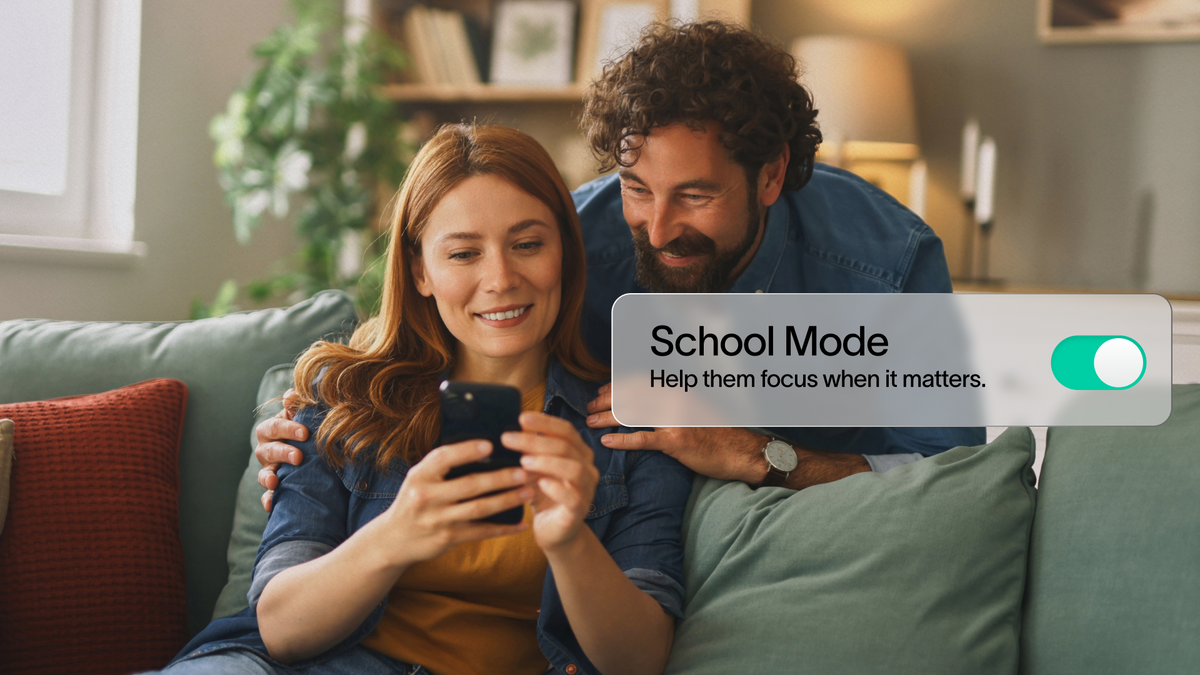
Set School Mode hours to match the new timetable so the watch stays quiet through class from day one.
Get the start and finish times roughly right rather than perfectly precise. It's easy to adjust by ten minutes once term's actually underway and you've seen how the new timetable plays out in practice.
What Can Wait Until Term Is Underway
Extra accessories, additional Places beyond school and home, and fine-tuning notification settings can all wait until you've actually seen how the first week or two goes.
There's a temptation in the excitement of a new school year to set every possible option up on day one. Resist it. A handful of settings, tuned properly after a couple of weeks of real use, beat a dozen configured on a guess before term's even started. You'll have a much better sense of what actually needs a Place or a Route once you've seen the real pattern of the school week, rather than the one you imagined over the summer holidays.

Get School-Ready With Spacetalk
A short list, sorted early in the Boxing Day sales, beats a long scramble in the last week of January. Get school-ready with Spacetalk.

Explore Spacetalk
Built for exactly this
Frequently Asked Questions
What tech does a kid need for the new school year?
A device suited to their stage, an active plan to run it, and ideally a spare charger cover the essentials for most families.
When should I buy before school goes back?
Buying during the Boxing Day sales, several weeks before Term 1, gives the most comfortable runway for setup.
What should I set up before the first day?
Set school as a Place, any regular walking or riding route as a Route, and School Mode hours to match the new timetable.
Love keeping up with Spacetalk?
Add us as your preferred source on Google and never miss a new post, product update or parenting tip.
Jaa:
When Does School Go Back in 2027? Term Dates by State, and When to Buy
When Does School Go Back in 2027? Term Dates by State, and When to Buy