

Most families don't want to hand their eight-year-old a phone. They want to know where their kid is and hear their voice if something goes wrong, without checking the clock every time school finishes early.
A Spacetalk Watch gives you that without opening the door to group chats, social media, YouTube, or strangers finding your kid online.
Let's see why under-10s usually aren't ready for a phone, what a Spacetalk Watch gives you instead, how to set up safe zones and alerts, and how to get GPS tracking dialled in from day one.
Most kids under ten don't need an app store, an open internet browser, a social media account, or a group chat full of people outside the family. They need a simple way to reach you and a way for you to reach them.
A phone solves the second part, but it also hands over everything in the first part whether you meant to or not.
This is usually what parents mean when they ask how to track a kid without phone drama attached. The goal is reassurance, not a device that opens up everything else alongside it. A kid doesn't need a phone's full feature set to be safe. They need a closed, parent-managed way to stay in touch, which is a different problem with a different solution.
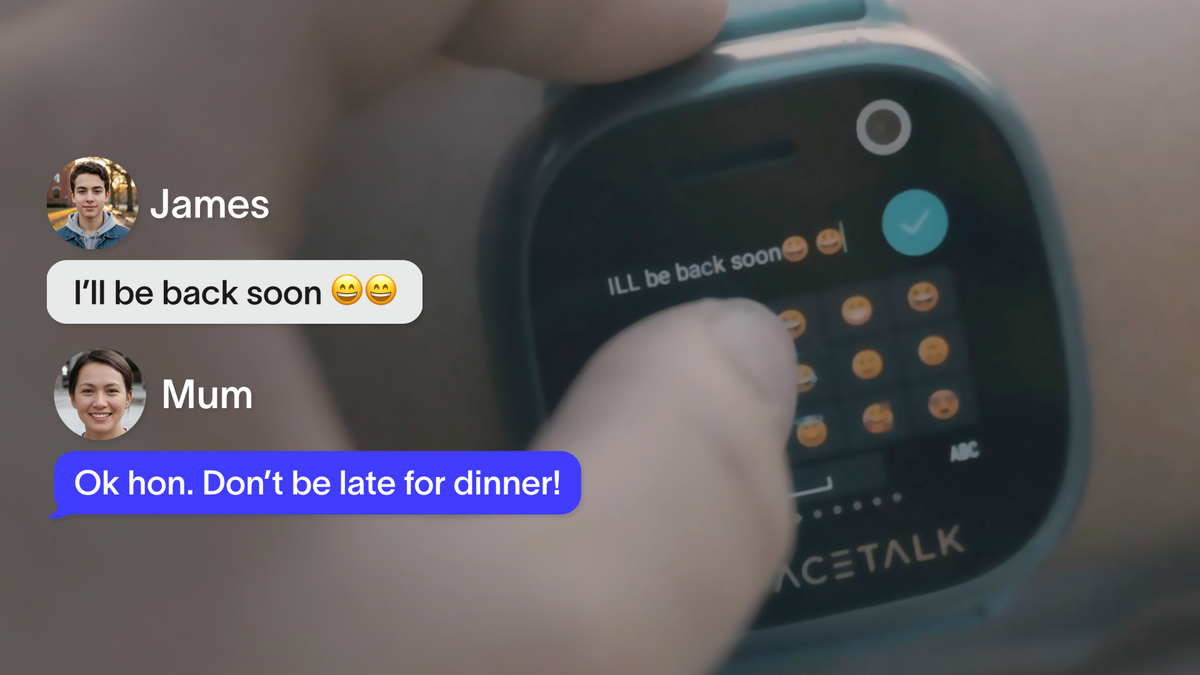
A Spacetalk Watch gives your kid a way to call and message you, plus share their location, without any of the open internet, social media, app store, or stranger contact a phone brings along.
When parents ask what the best device to track my kid actually is, a purpose-built kids' watch usually beats a hand-me-down phone, because it does one job well instead of trying to do everything.
Buddies lets your kid message friends who also wear a Spacetalk Watch, but it runs on its own, parent-approved list, separate from the chat that goes straight to you.
If video calling isn't essential yet, the Loop smart watch covers the same closed messaging and location basics in a simpler, more affordable package for a first watch.

Safe zones and alerts are set up through the Spacetalk App, not on the watch itself, and take about ten minutes the first time.
Places and Routes work together rather than replacing each other. Places tell you when your kid arrives or leaves a specific spot.
Routes watch the path in between, which matters most for the walk to school or the trip to training, when being five minutes late can otherwise mean five minutes of worry. Both run off the watch's 4G connection, so they still work even when your kid is somewhere without Wi-Fi.
Real-time location tracking on a Spacetalk Watch is switched on by default, so most of the setup is really about deciding how often you want updates and who gets to see them.
If you're weighing up the best device to track your kid against a basic GPS tracker or a hand-me-down phone, the difference comes down to that last point.
A Spacetalk Watch runs over its own 4G connection and a closed, parent-managed contact list, so location updates keep coming in even when your kid is well outside Wi-Fi range, and nobody outside the people you've approved can see where they are.
You can browse the full Spacetalk Watch range, including the Adventurer 2 and Loop, at spacetalk.co. Smartwatch bundles are often on sale, so it's worth checking current pricing there rather than guessing.
A Spacetalk Watch won't replace every conversation you'll eventually have about phones, social media, and the internet, but it buys you time to have those conversations on your terms, not a device's.
Your kid gets a bit more freedom to walk to school, ring a mate, or call you from footy training.
You get to know they're okay without needing to ask. And because the whole setup runs through one app, there's no juggling a separate tracker, a separate phone plan, and a separate way for your kid to message friends.

Explore Spacetalk
Smartwatch · Kids
Spacetalk Loop
The same closed messaging and location basics in a simpler, more affordable package for a first watch.
Shop nowThe simplest way to track a kid without phone involvement is a dedicated kids' watch, like a Spacetalk Watch, worn on the wrist instead of carried in a pocket. It shares location through the Spacetalk App, lets you call or message your kid directly, and gives them an SOS button, all without needing a phone number of their own.
Spacetalk Watches send location updates every 15 minutes by default, which you can adjust in the App, and your kid can also push an instant update straight from the watch. Because it runs over its own 4G connection rather than relying on a single GPS ping, location stays current even when they're out and about, not just when a phone happens to be nearby.
Spacetalk Watches are generally designed for kids from about five through to the young teens. The Loop suits younger kids around five to ten who are just getting their first taste of independence, while the Adventurer 2 is built for tweens around eight to fourteen, with extra features like video calling.
Love keeping up with Spacetalk?
Add us as your preferred source on Google and never miss a new post, product update or parenting tip.
Share:
What Age Should My Kid Get a Smartwatch? A Christmas Gift Age Guide
Setting Up Location Sharing the Right Way