

Spacetalk Blogs
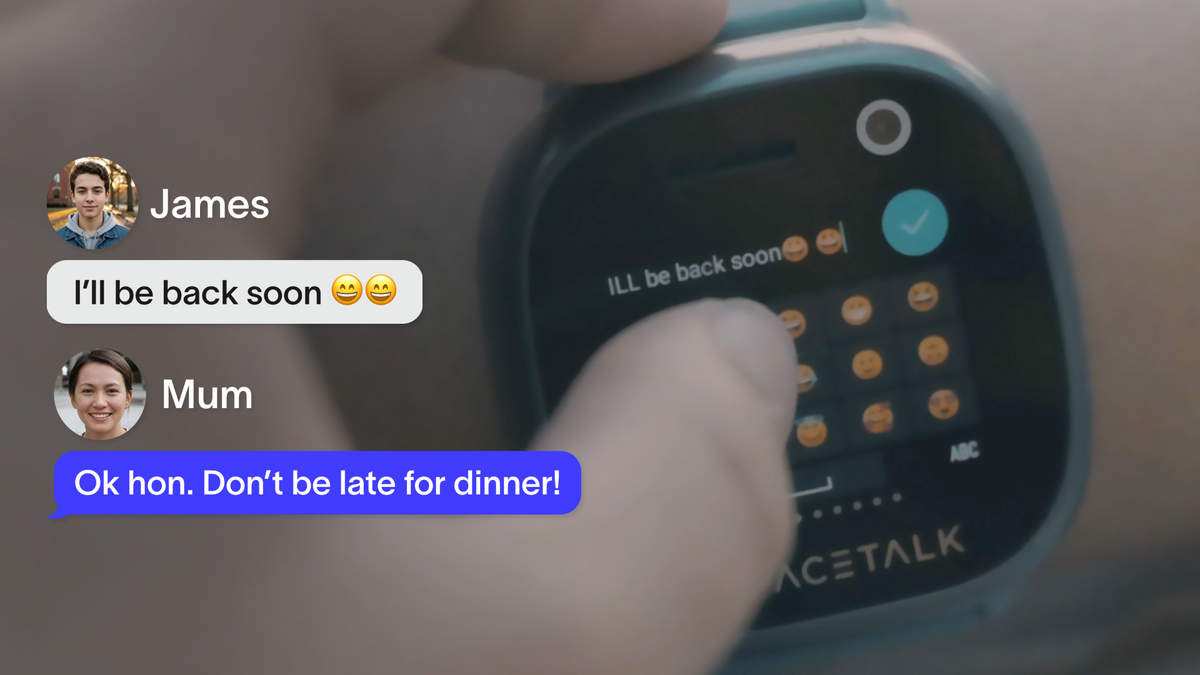
Christmas Gifts That Give Kids More Freedom, Not More Screen Time
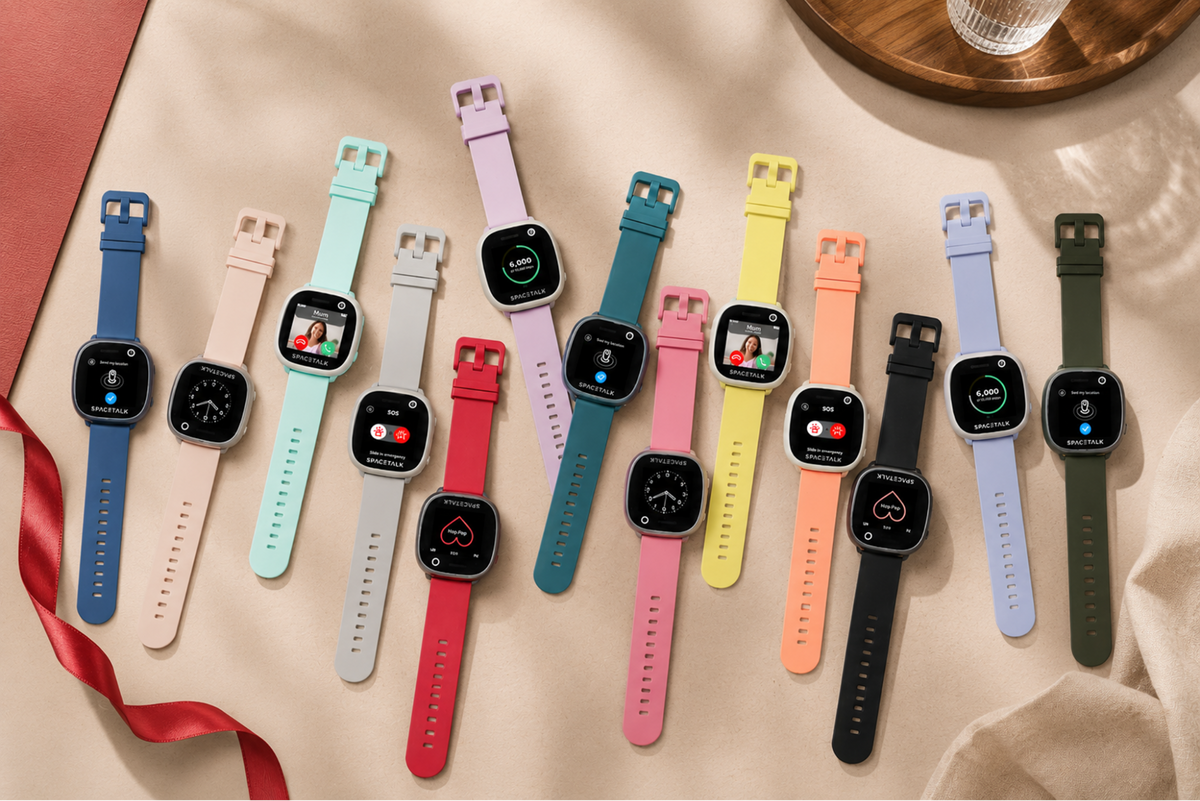
For parents who'd rather not add another screen under the tree, a Spacetalk Watch is built around staying in touch, not scrolling. This guide covers the difference between a device and a distraction, and how a bit more freedom to roam can be a bigger gift than anything with a screen.
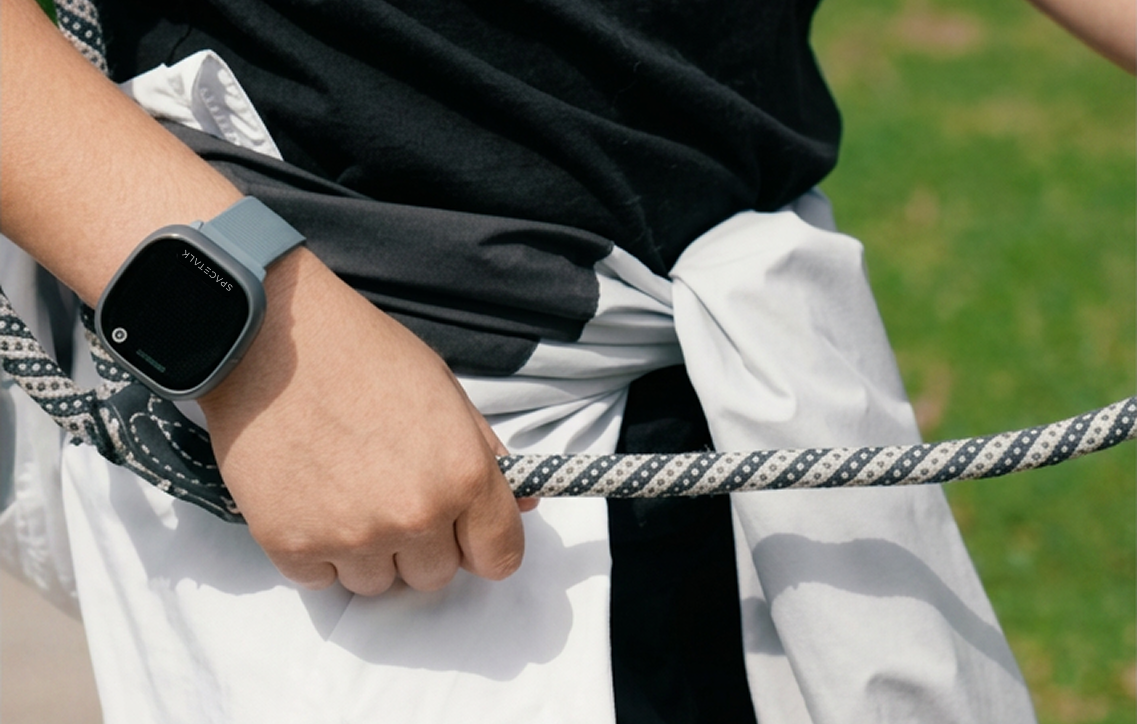
A Christmas Gift for a Kid Starting High School Next Year
Starting high school brings a longer day, a longer commute and plans made on the fly with new friends. This guide looks at what actually changes in Year 7, whether a watch or a Spacetalk Mobile Plan fits better, and why it's worth setting up over the holidays rather than in the first week of term.

Two Kids, Two Gifts: Keeping Christmas Morning Feeling Fair
Two kids at two different stages rarely need the same gift, but different doesn't have to mean unfair. This guide covers why matching a gift to each kid's stage beats buying identical presents, and how to explain the difference in a way both kids will actually accept.

One Gift, the Whole Family: What a Spacetalk Watch Adds Beyond Christmas Day
A Spacetalk Watch is technically one kid's gift, but the benefit spreads through the whole household, fewer check-in messages, quiet reassurance when they've arrived somewhere, and a wider village of carers and grandparents who can stay in the loop too. Here's what changes beyond Christmas Day itself.

Buying a Christmas Gift for a Grandchild You Don't See Often

Kris Kringle and the Extended Family: Coordinating One Bigger Gift
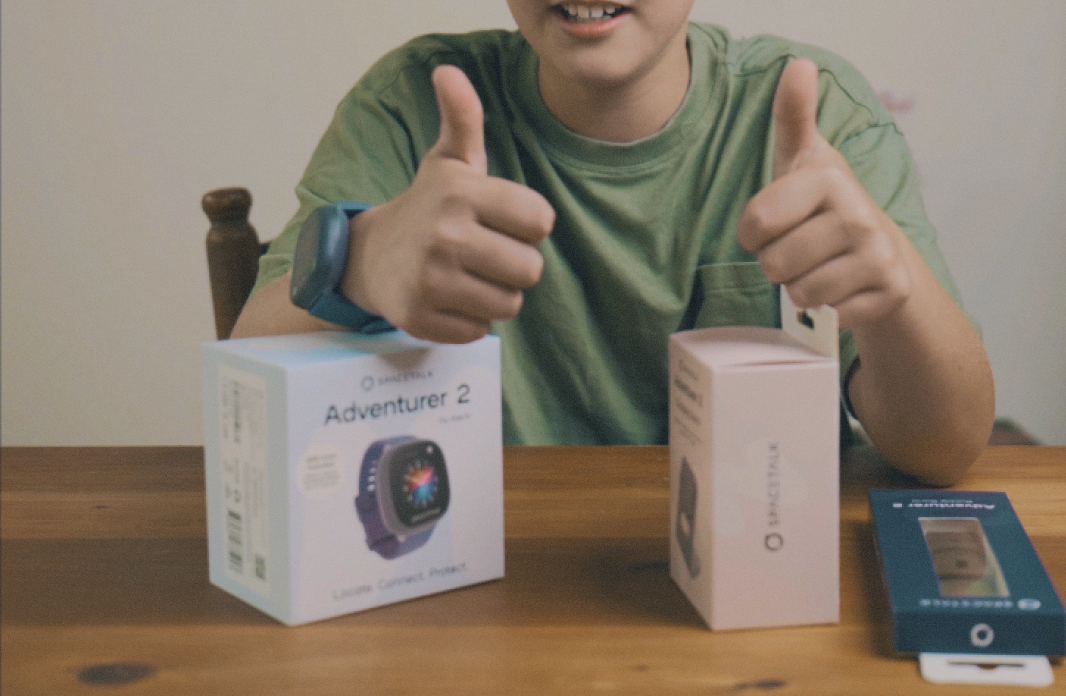
What to Put in the Box: The Bits That Make a Device Gift Work on the Day
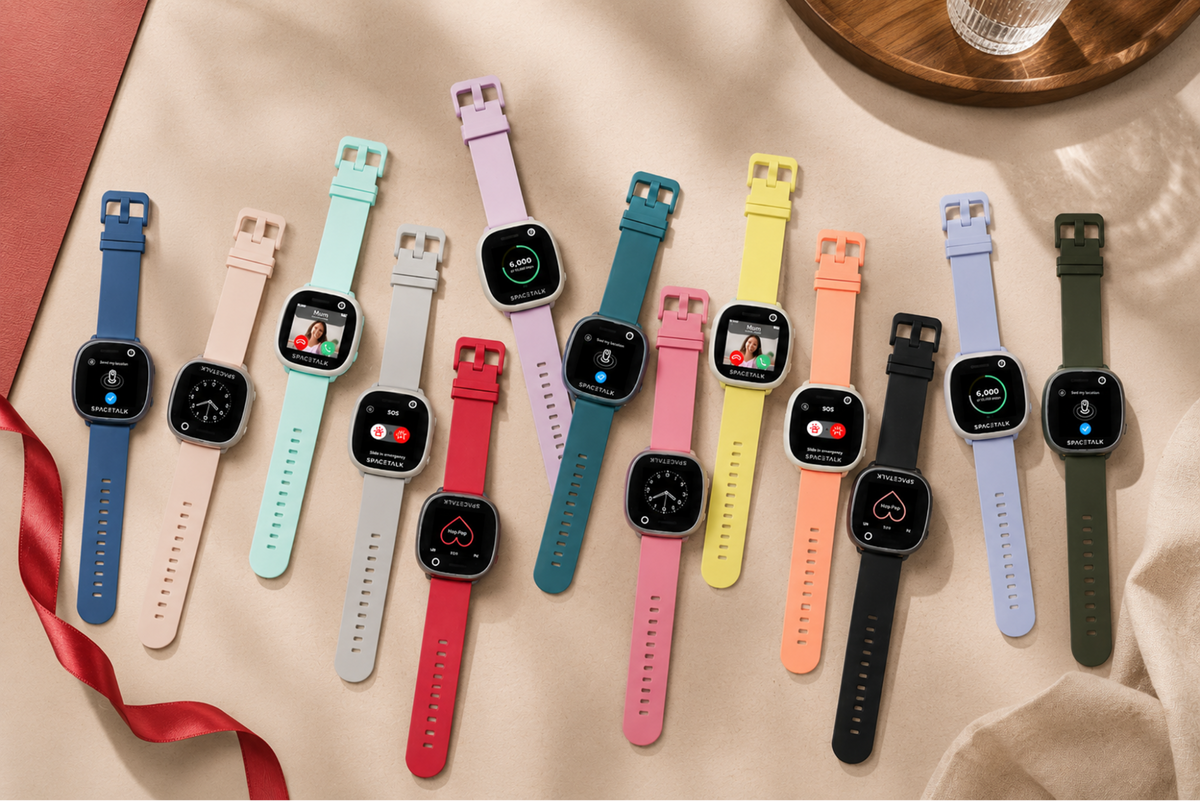
Christmas Gift Ideas for the Kid Who Already Has Everything
Thoughtful Christmas Gifts When the Budget Is Tighter This Year