

Spacetalk Blogs
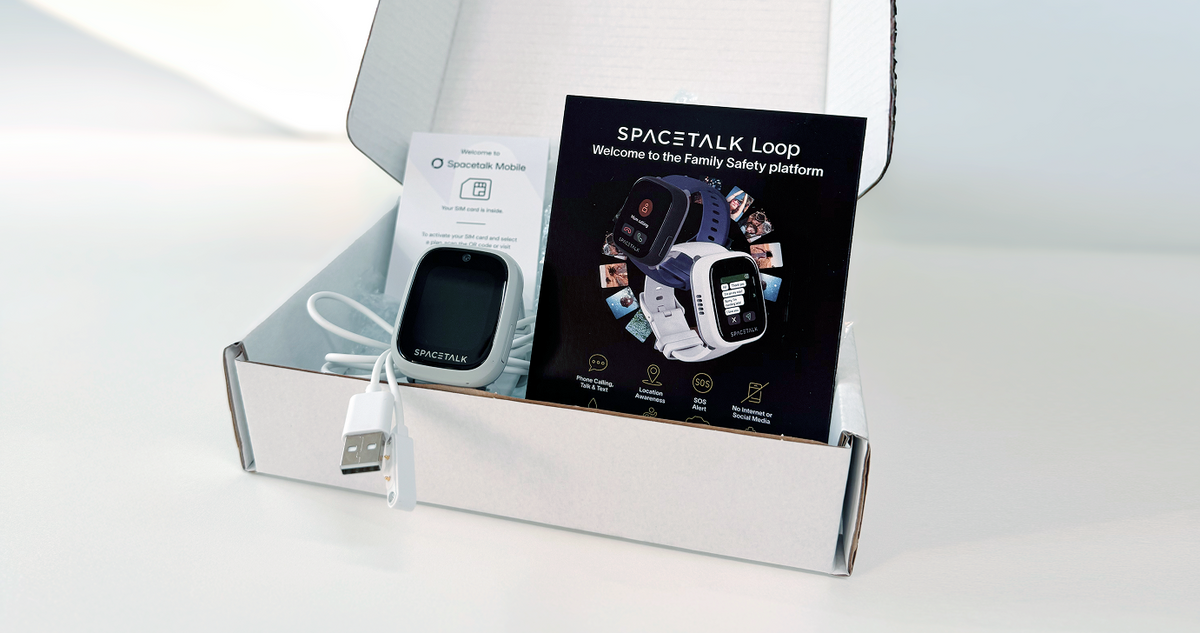
Thinking About a Refurbished Spacetalk Watch in the Sales?
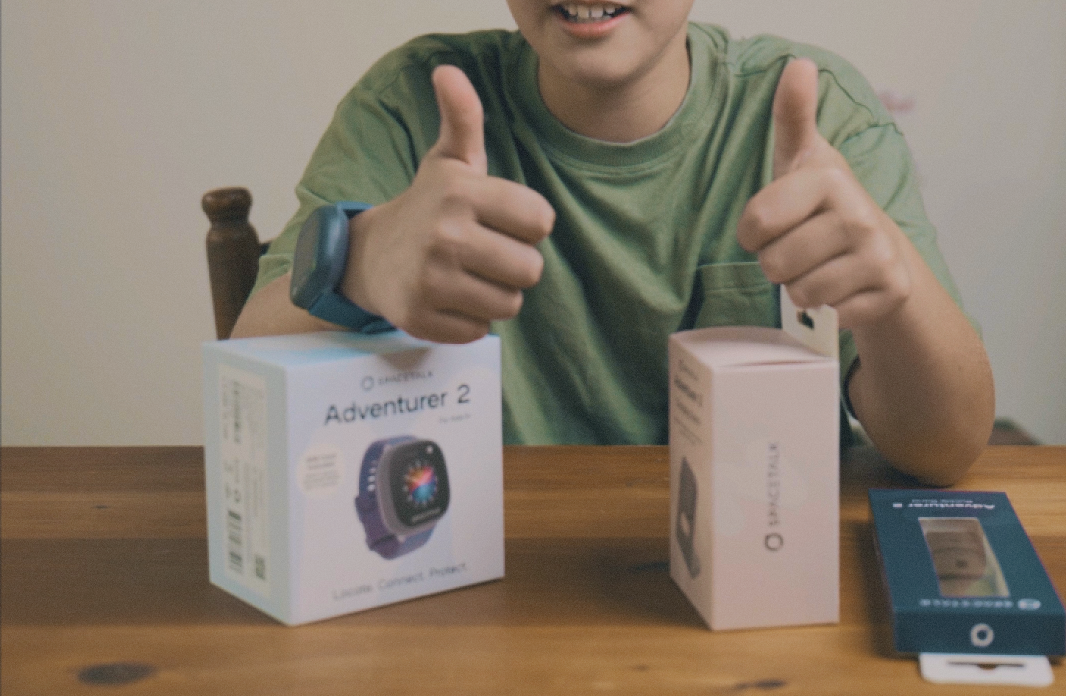
Choosing the Right Spacetalk Watch: From the Everyday Option to the Most Advanced Model
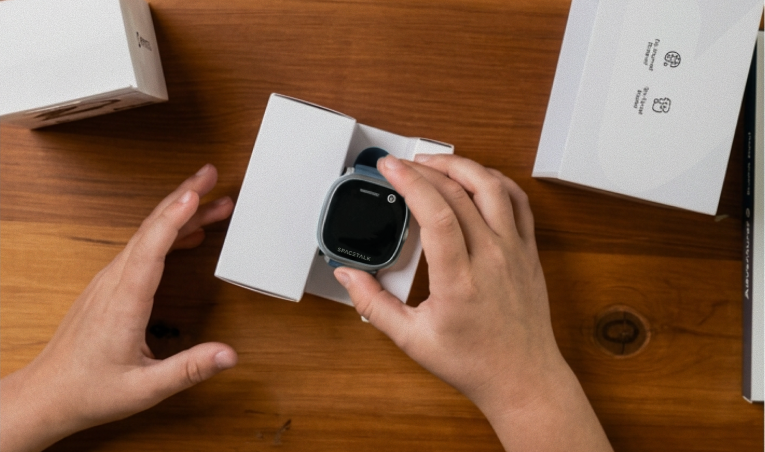
Bought in November, Wrapped for December: How to Keep a Spacetalk Watch Ready for Christmas
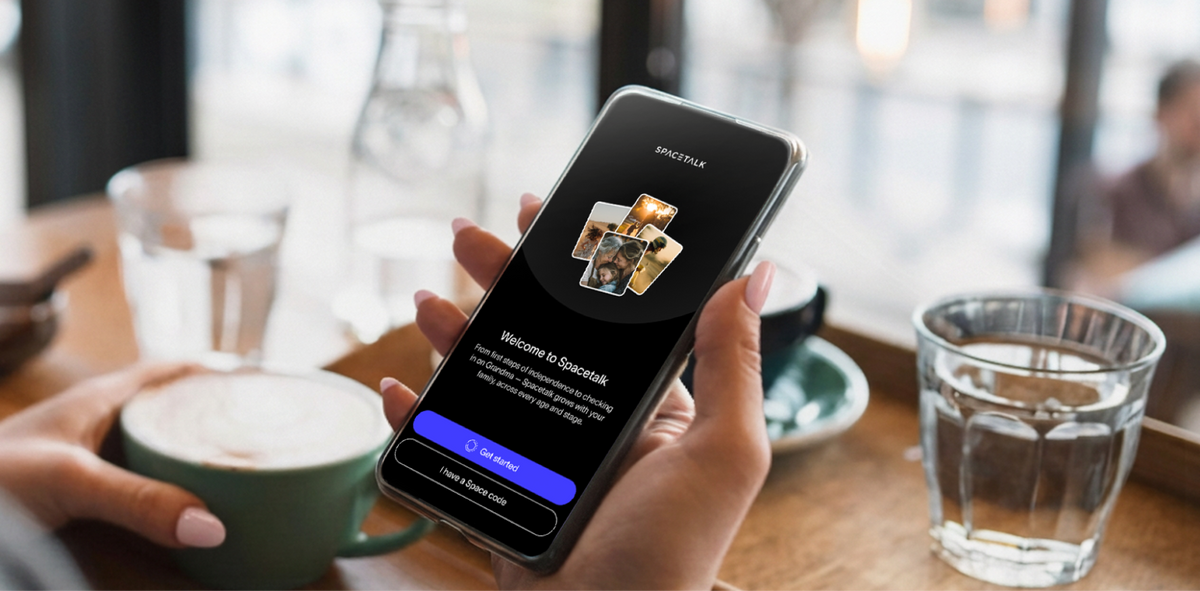
Setting Up the Spacetalk App as a Family Safety App on iPhone
Setting up the Spacetalk App on iPhone doesn't have to be complicated. Follow this step-by-step guide to create your first Space, add family members, set up Places and Routes, manage check-ins and make sure your key safety alerts are working. Get your iPhone ready as your family's central hub and start using Spacetalk with confidence from day one.

Setting Up the Spacetalk App as a Family Safety App on Android
Turn your Android phone into a simple family safety hub with the Spacetalk App. This step-by-step guide shows you how to create your first Space, invite family members, set up Places and Routes, manage Check-Ins and switch on the key permissions that keep alerts working in the background. Get everything set up in one sitting, then let the app keep you informed when something actually needs your attention.
How the Spacetalk App Keeps Safety Settings Locked to the Parent Account
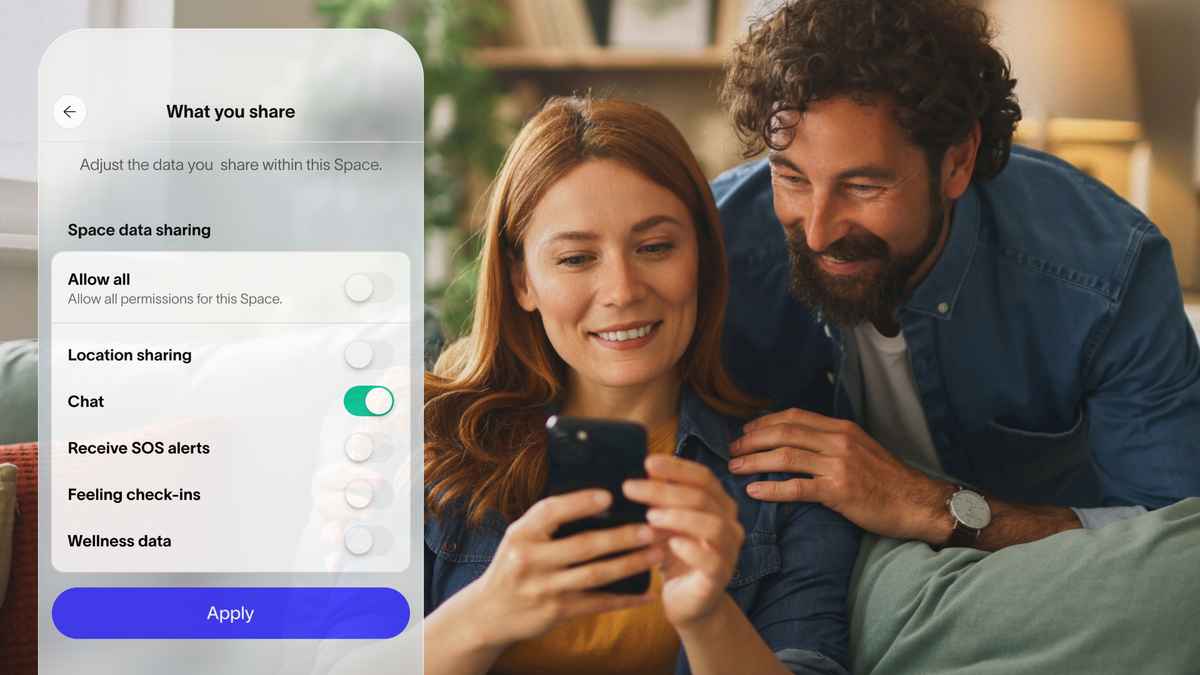
Want more control without constantly checking the watch? Learn how the Spacetalk App keeps key safety settings on the parent account, from Trusted Contacts and SOS contacts to School Mode, Places, Routes and Buddy approvals. This guide also explains what your kid can change on the watch, what stays locked, and how to review your family’s settings as routines change.

How the Spacetalk App Gives Parents an At-a-Glance View of Their Family
Want to know what’s happening with your family without constantly checking your phone? Discover how the Spacetalk App gives you an at-a-glance view of location, Places, Routes, School Mode, battery and check-ins—all from one screen. Learn how alerts keep you informed when something changes, plus what to check when an update needs a closer look.
How Family Chat Works Inside the Spacetalk App
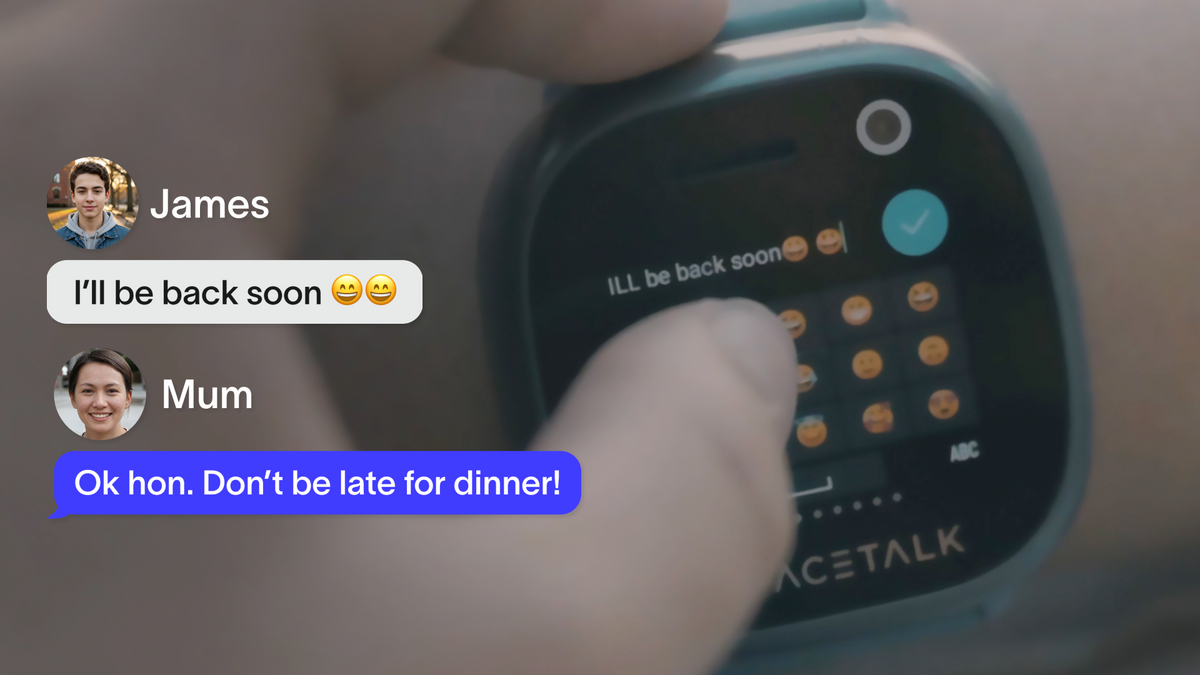
Want your kid to stay connected without opening the door to strangers, public groups or unrestricted messaging? Learn how family chat works inside the Spacetalk App, including how closed Spaces, Trusted Contacts and parent-managed permissions keep conversations limited to people you approve. See how to set up your first Space and give your kid a simple, safer way to stay in touch with family.
How To Manage Screen Time Without Handing Over a Smartphone
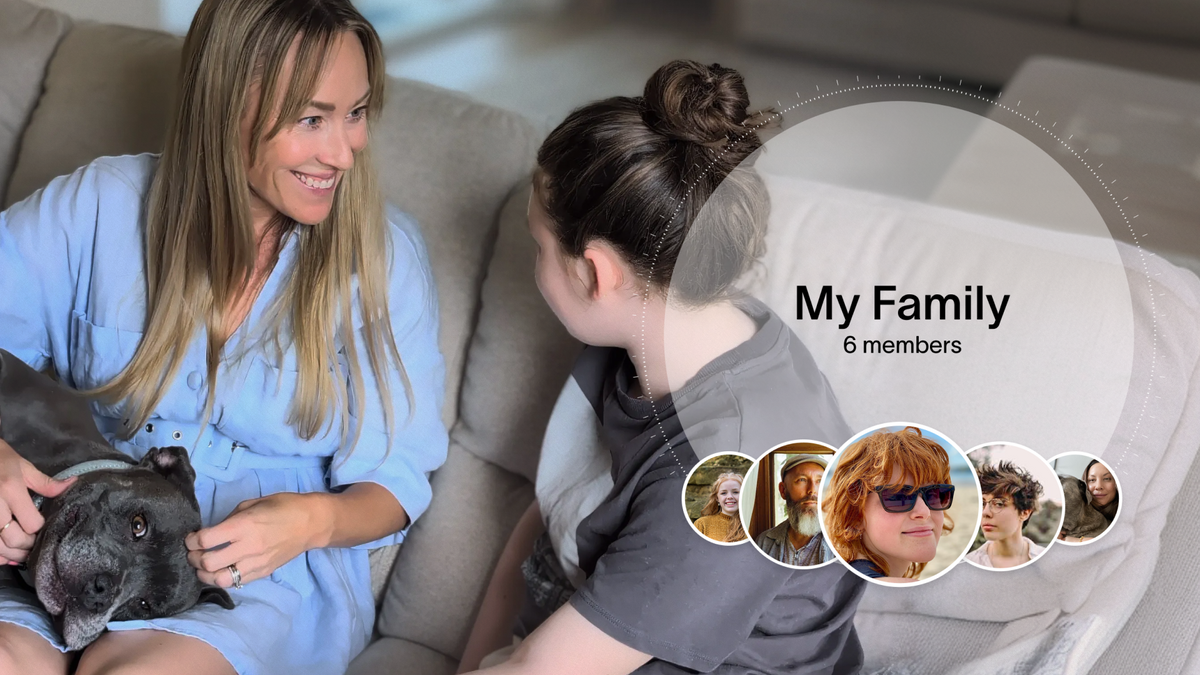
Worried about handing over a smartphone too soon? Discover how a Spacetalk Watch with School Mode can help manage screen time, reduce distractions and keep essential safety features active during school hours. Learn how to set up parental controls without social media, open internet access or a separate screen time app, then see if a smartwatch could be the right next step for your family.